{{ variable.name }} : {{ variable.values[selectedVariantsIndex[variable_index]].name }}
Condition:
Quantity:
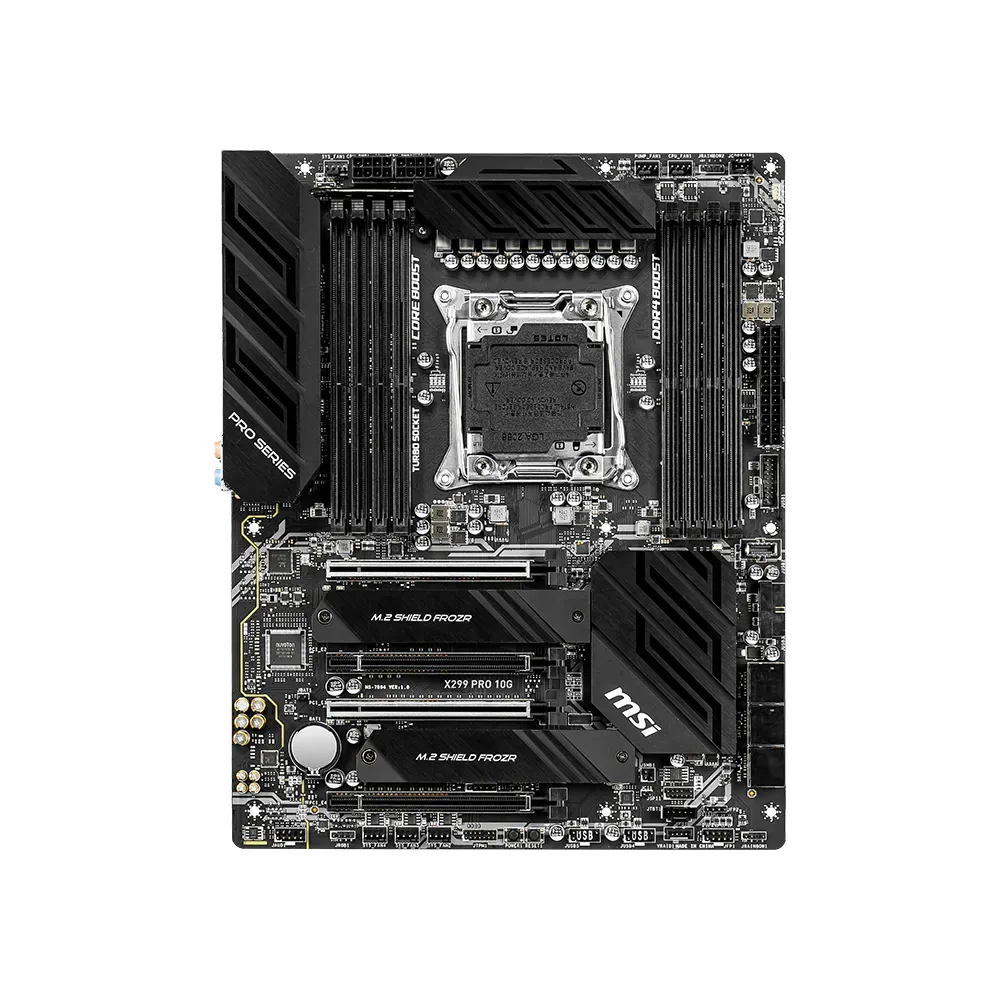
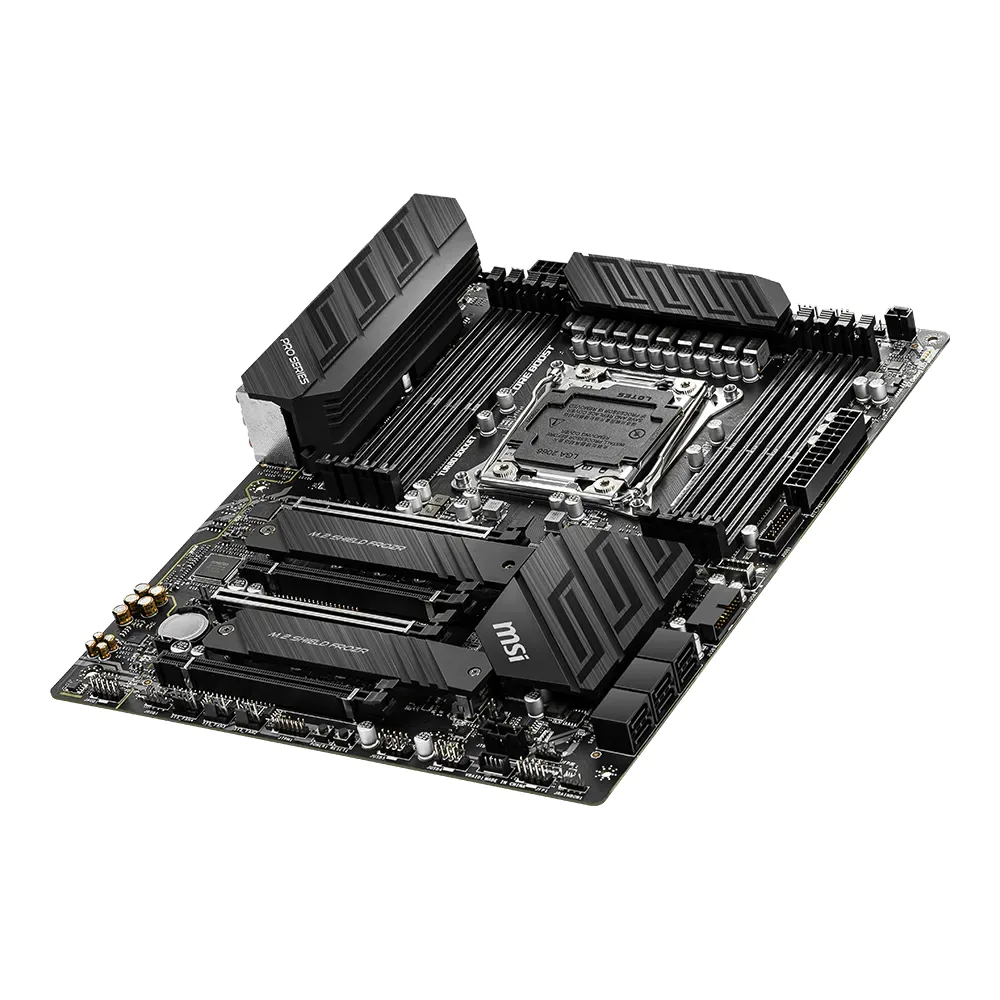
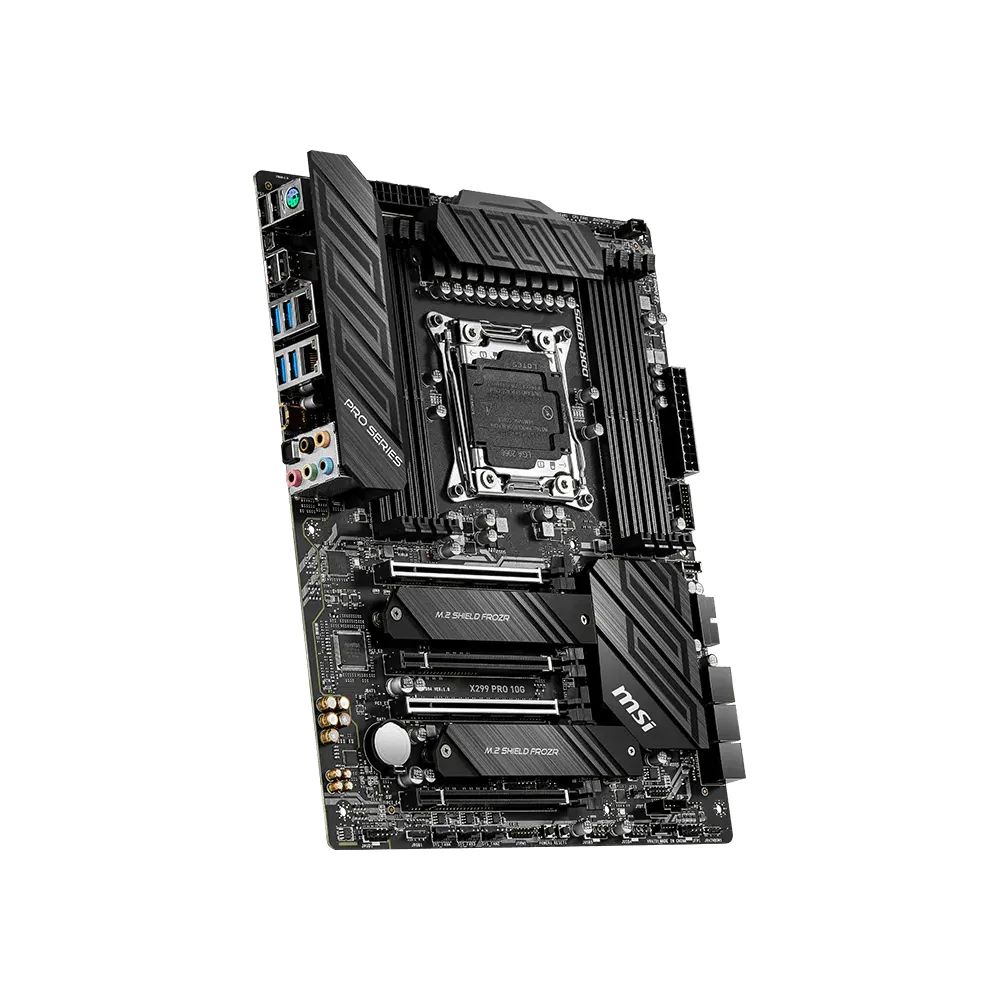
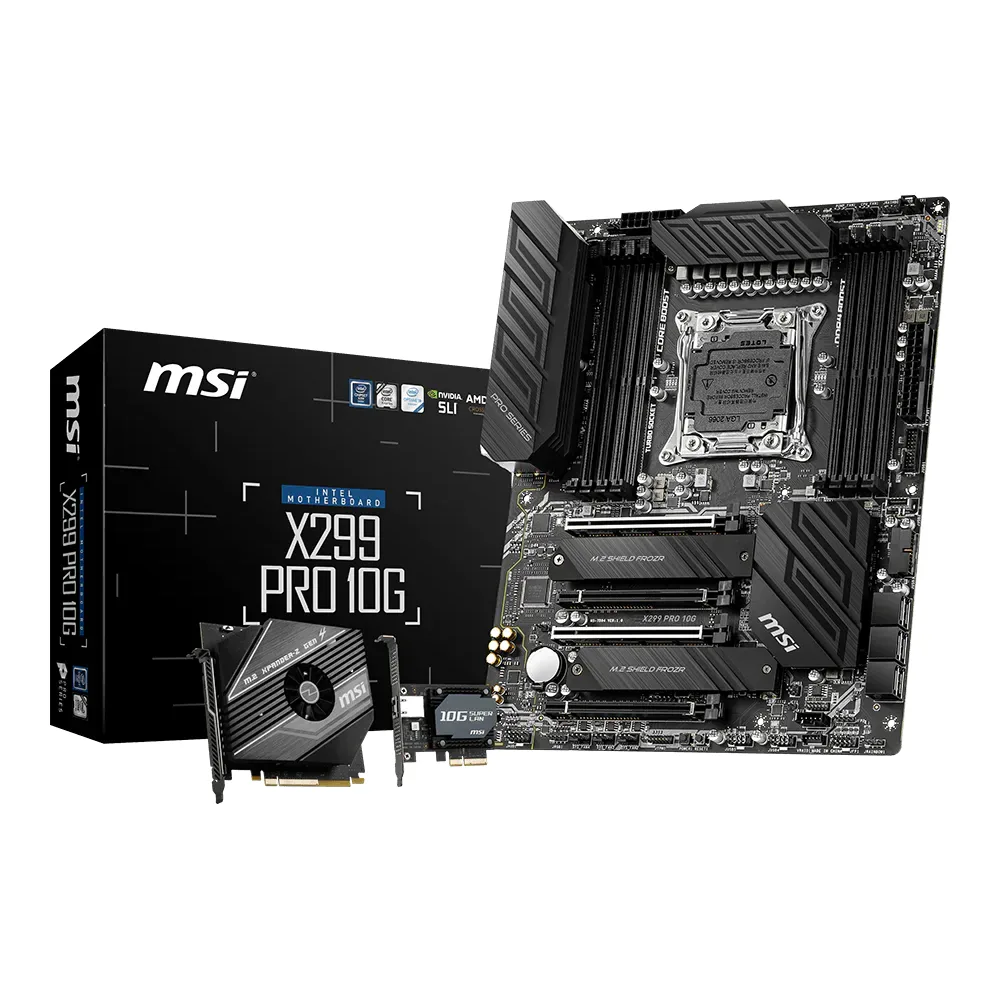
MSI X299 PRO 10G desktop motherboard with LGA2066 socket, Intel X299 chipset, 8 x DDR4 up to 256 GB, 2 x M.2.
| Processor | Supports Intel Core X-series 10000/ 9000/ 78xx (above) processors for socket LGA2066 |
|---|---|
| Chipset | Intel X299 Chipset |
| Memory | 8 x DDR4 memory slots, support up to 256GB Supports DDR4 4200+(OC)/ 4000(OC)/ 3800 (OC)/ 3733(OC)/ 3600(OC)/ 3466(OC)/ 3400(OC)/ 3333(OC)/ 3300(OC)/ 3200(OC)/ 3000(OC)/ 2933/ 2666/ 2400/ 2133 MHz1,2 Quad channel memory architecture Supports Intel Extreme Memory Profile (XMP) Supports non-ECC UDIMM memory Supports un-buffered memory |
| Slots | 4x PCIe 3.0 x16 slots Support x16/x8/x16/x8 mode with the 48-lane CPU.1 Support x16/x4/x16/x8 mode with the 44-lane CPU.1 Support x16/x4/x8/x0 mode with the 28-lane CPU.1 |
| Expansion Slots – Multi-GPU | Supports 3-Way NVIDIA SLI Technology Supports 3-Way AMD CrossFire Technology |
| Storage | Intel X299 Chipset 6 x SATA 6Gb/s ports 2 x M.2 slot (Key M) Support up to PCIe 3.0 x4 and SATA 6Gb/s, 2242/ 2260/ 2280/ 22110 storage devices,3 Intel Optane Memory Ready4 The SATA1 connector will be unavailable when a SATA M.2 SSD has been installed in the M2_1 slot. The M2_2 default setting is CPU lane. However, when a PCIe expansion card is installed in the PCI_E2 slot, the M2_2 will be automatically switched to PCH lane. The SATA2 connector will be unavailable when M2_2 uses PCH lanes and a M.2 SATA SSD is installed in the M2_2 slot. M2_2 supports Intel Optane Memory by switching to PCH lanes. |
| Storage – RAID | Intel X299 Chipset Supports RAID 0, RAID1, RAID 5 and RAID 10 for SATA storage devices Supports RAID 0 and RAID 1 for M.2 PCIe storage devices |
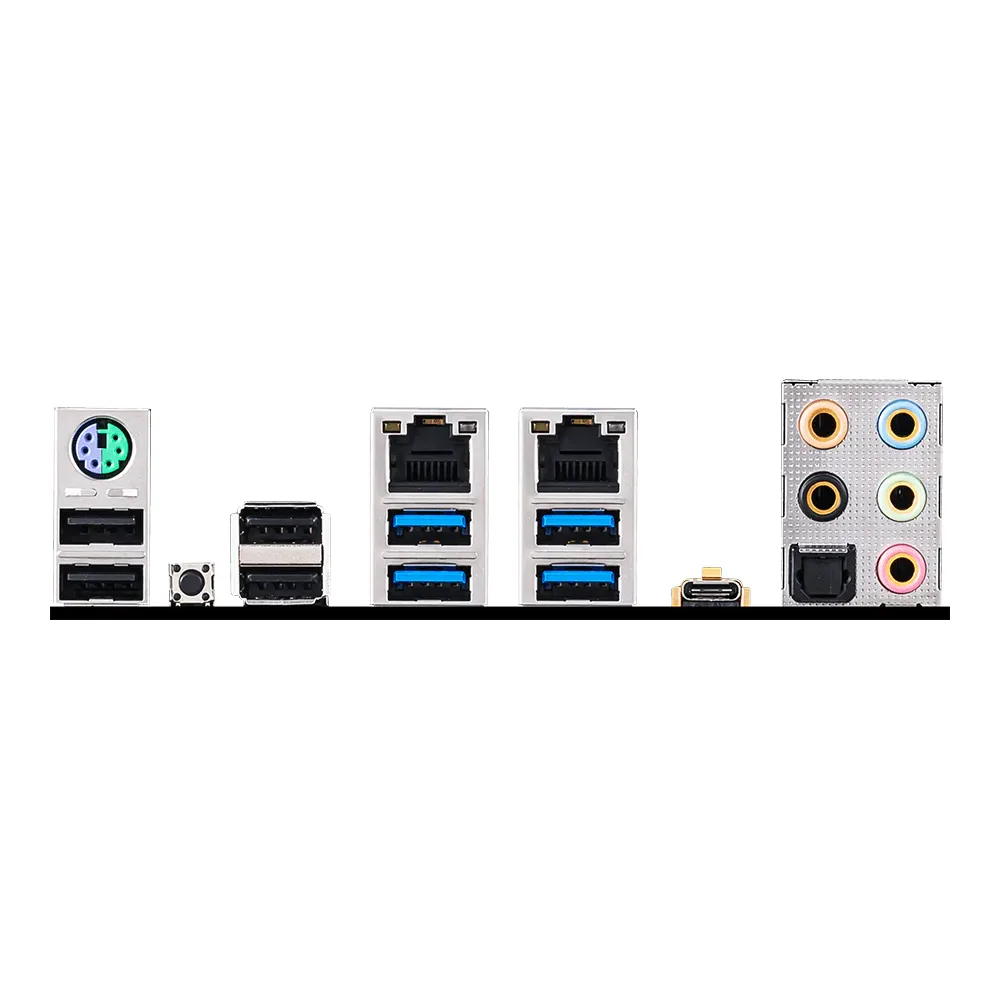
| LAN | 1 x Intel I219-V Gigabit LAN controller 1 x Realtek RTL8125-CG 2.5G LAN controller 1 x Aquantia AQC107 10-Gigabit LAN card I219 LAN doesn’t support G3 to S5 Wake |
| Audio | Realtek ALC1220 Codec 7.1-Channel High Definition Audio Supports S/PDIF output |
| USB | ASMedia ASM3242 Chipset 1 x USB 3.2 Gen2x2 (SuperSpeed USB 20Gbps) Type-C port on the back panel ASMedia ASM3142 Chipset 1 x USB 3.2 Gen2 (SuperSpeed USB 10Gbps) Type-C internal connector Intel X299 Chipset 8 x USB 3.2 Gen1 (SuperSpeed USB) ports (4 ports on the back panel, 4 ports available through the internal USB connectors) 8 x USB 2.0 (High-speed USB) ports (4 ports on the back panel, 4 ports available through the internal USB connectors) |
| Rear Panel I/O – Back panel ports | Keyboard / Mouse Gigabit LAN 2.5G LAN Audio Connectors USB 2.0 Clear CMOS Button USB 3.2 Gen1 Type-A USB 3.2 Gen2x2 20G Type-C Optical S/PDIF out |
| Internal I/O Connectors – Internal connectors | 1 x 24-pin ATX main power connector 2x 8-pin ATX 12V power connectors 6x SATA 6Gb/s connectors 2x USB 2.0 connectors (supports additional 4 USB 2.0 ports) 2x USB 3.2 Gen1 connectors (supports additional 4 USB 3.2 Gen1 ports) 1x USB 3.2 Gen2 Type-C port 1x 4-pin CPU fan connector 1x 4-pin Water Pump connector 4x 4-pin system fan connectors 1x Front panel audio connector 2x System panel connectors 1x TPM module connector 1x Chassis Intrusion connector 1x Virtual RAID on CPU connector 1x Thunderbolt Add-on Card Connector |
| Operating System | Support for Windows 10 64-bit |
| Dimensions | 12 in. x 9.6 in. (30.5 cm x 24.4 cm) ATX Form Factor |
| Form Factor & Dimensions – Mounting | 9 mounting holes |
| Desktop Motherboard Specs | |
| CPU Brand | Intel |
| CPU Socket | LGA2066 |
| Chipset | X299 |
| Form Factor | ATX |
| Memory Type | DDR4 |
| Memory Slots | 8 |
| Max Memory | 256 GB |
| M.2 Slots | 2 |
| Wi-Fi | No |
| Brand | msi |
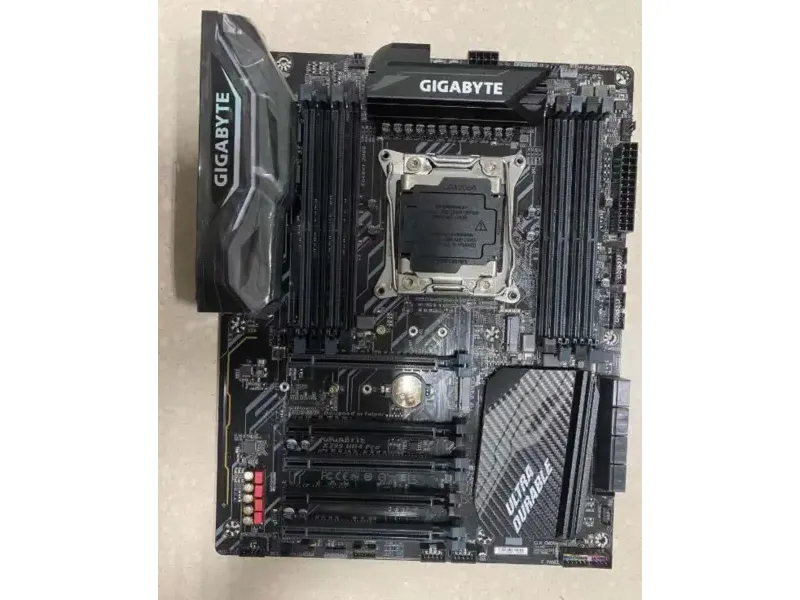 Gigabyte X299 UD4 Pro LGA 2066 DDR4 motherboardNT$13,838
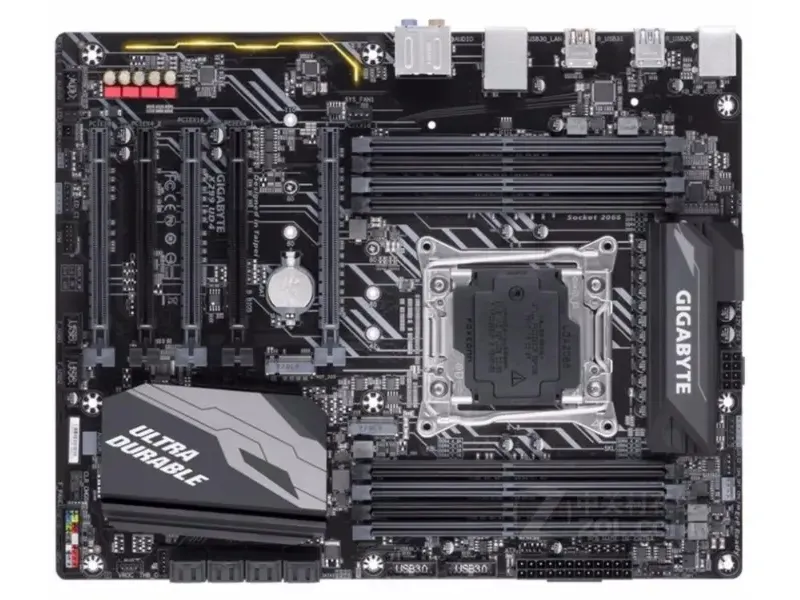 Gigabyte GA-X299 UD4 X299 LGA 2066 DDR4 I9 7900X MotherboardNT$12,148
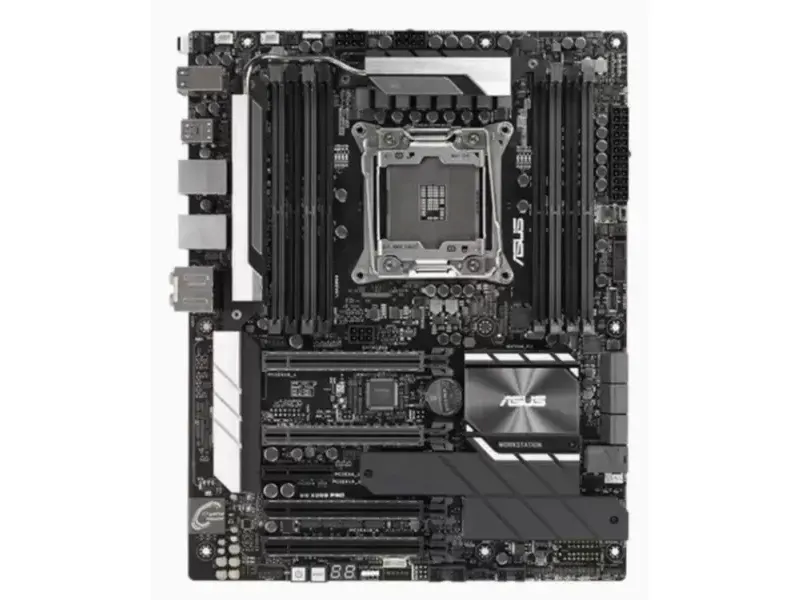 Asus WS X299 PRO motherboardNT$14,038
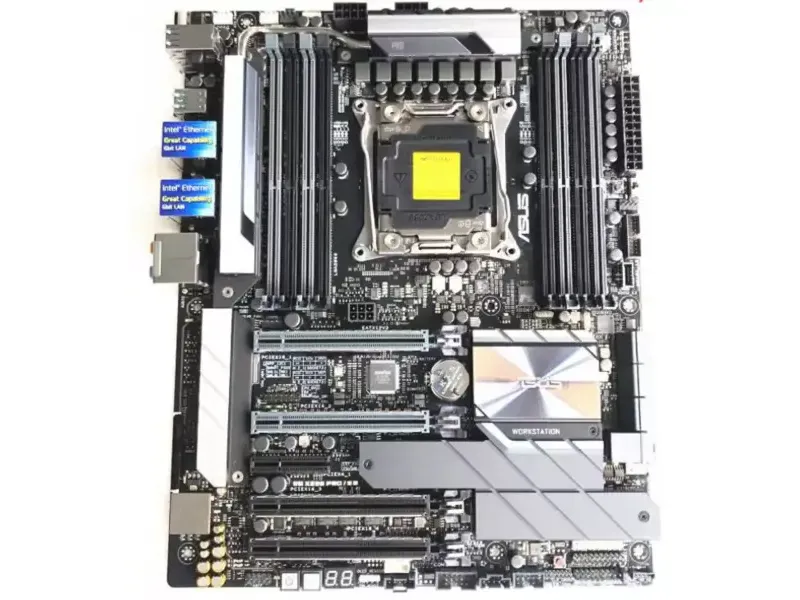 Asus WS X299 PRO/SE LGA 2066 DDR4 motherboardNT$14,209
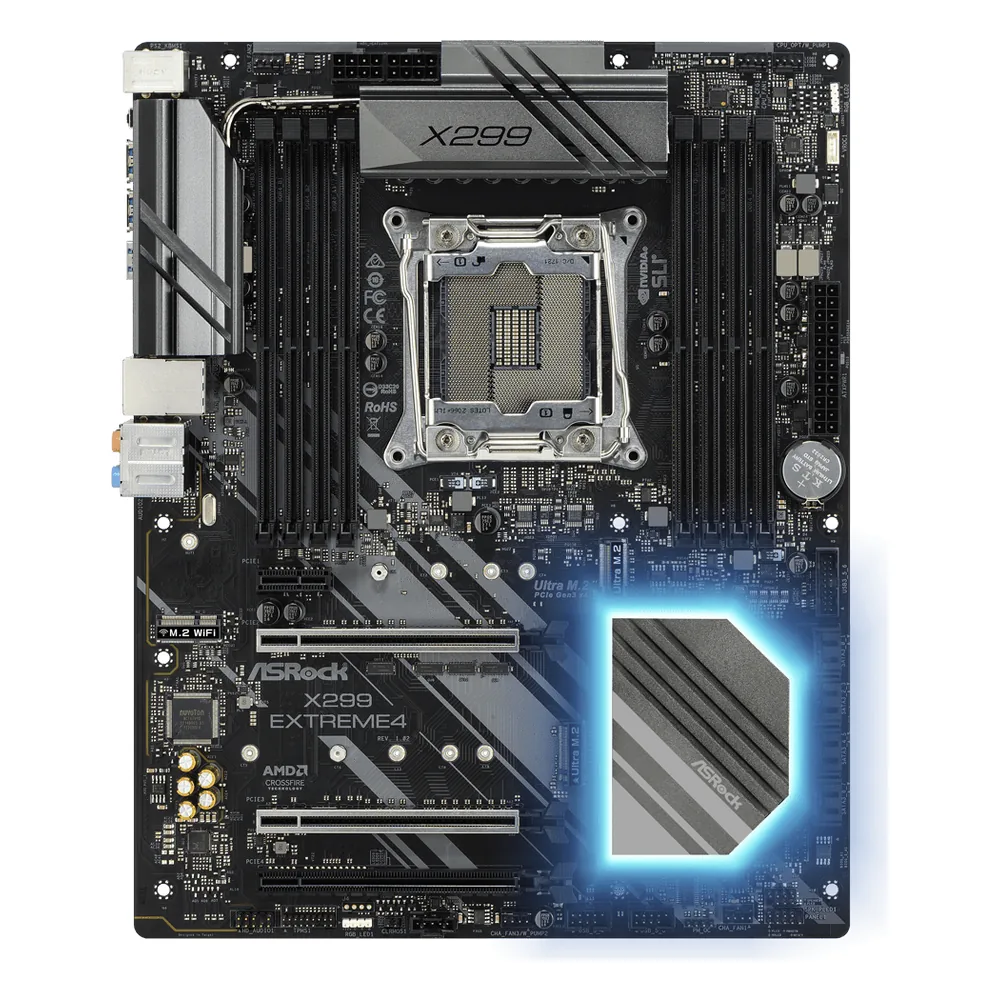 ASRock X299 Extreme4 Motherboard Intel X299 LGA2066 DDR4 ATXNT$19,537
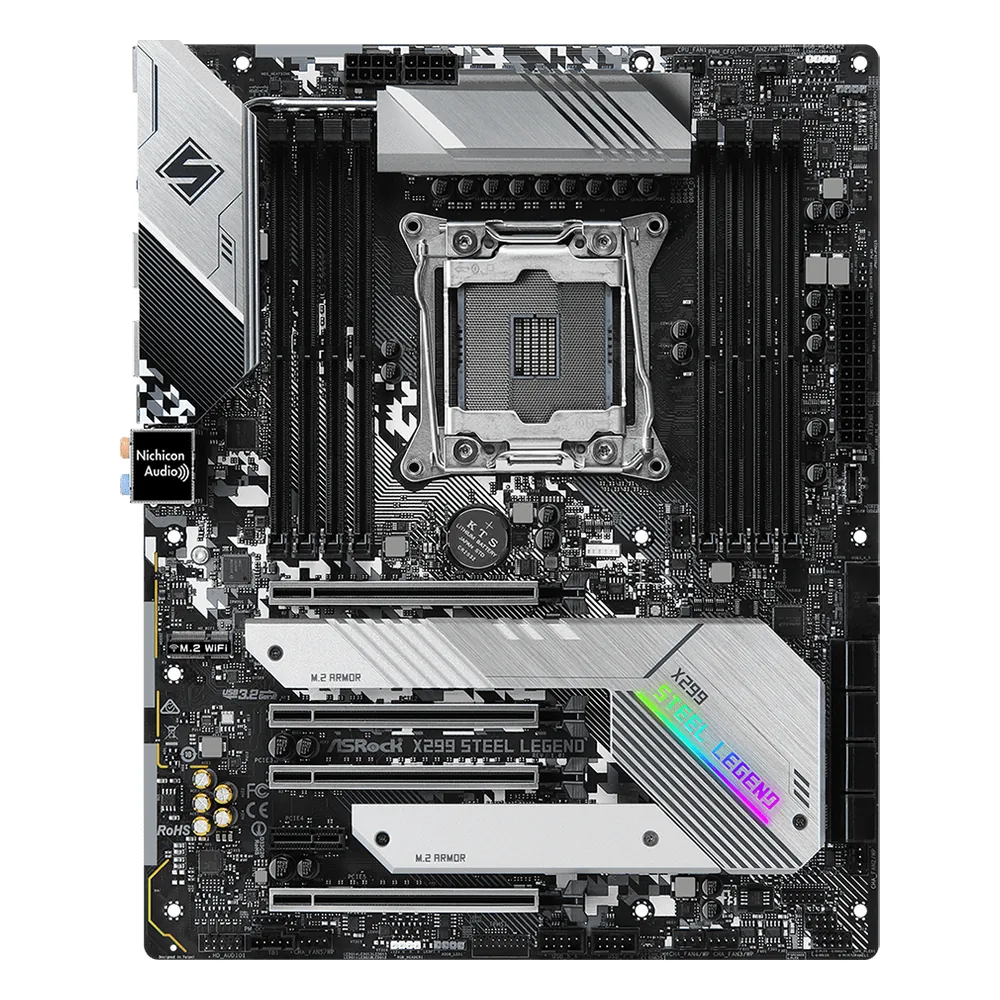 ASRock X299 Steel Legend Motherboard Intel X299 LGA2066 DDR4 ATXNT$19,537
Same socket, chipset, memory type and form factor. Please check that the BIOS supports your CPU.