{{ variable.name }} : {{ variable.values[selectedVariantsIndex[variable_index]].name }}
Condition:
Quantity:
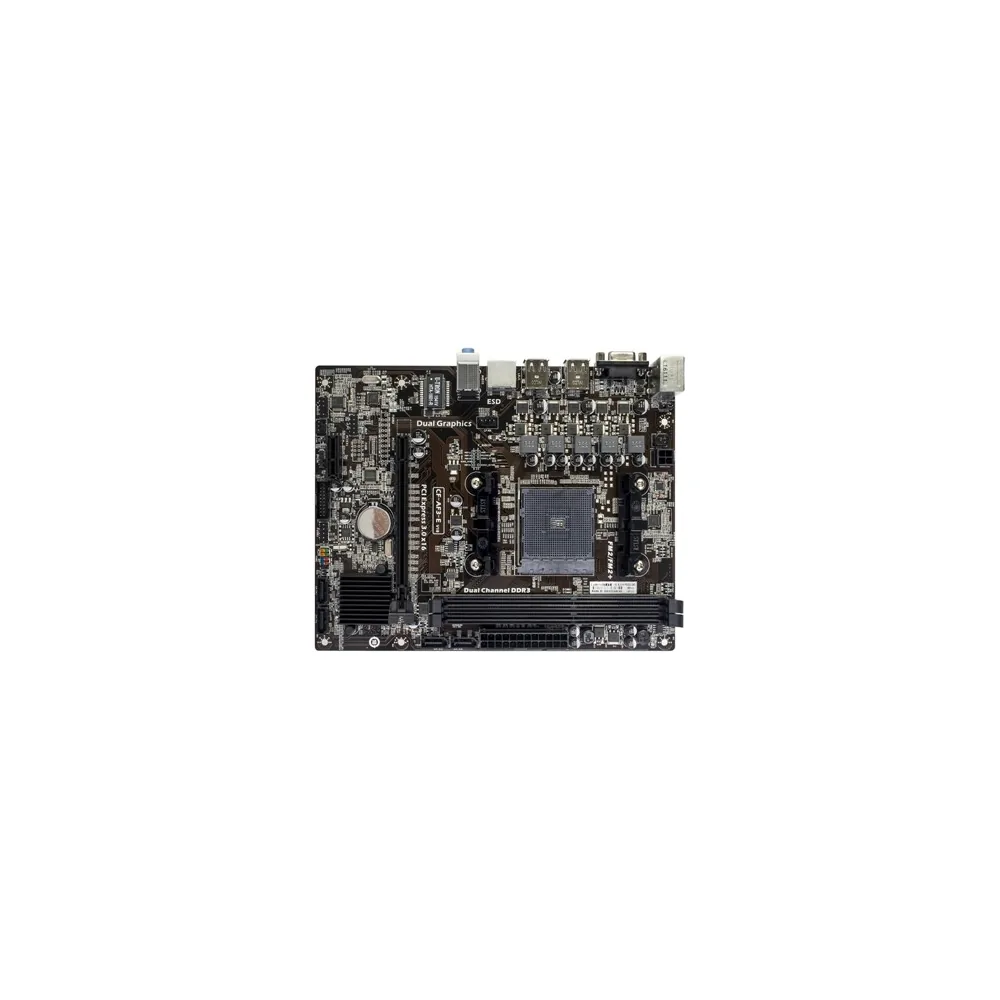
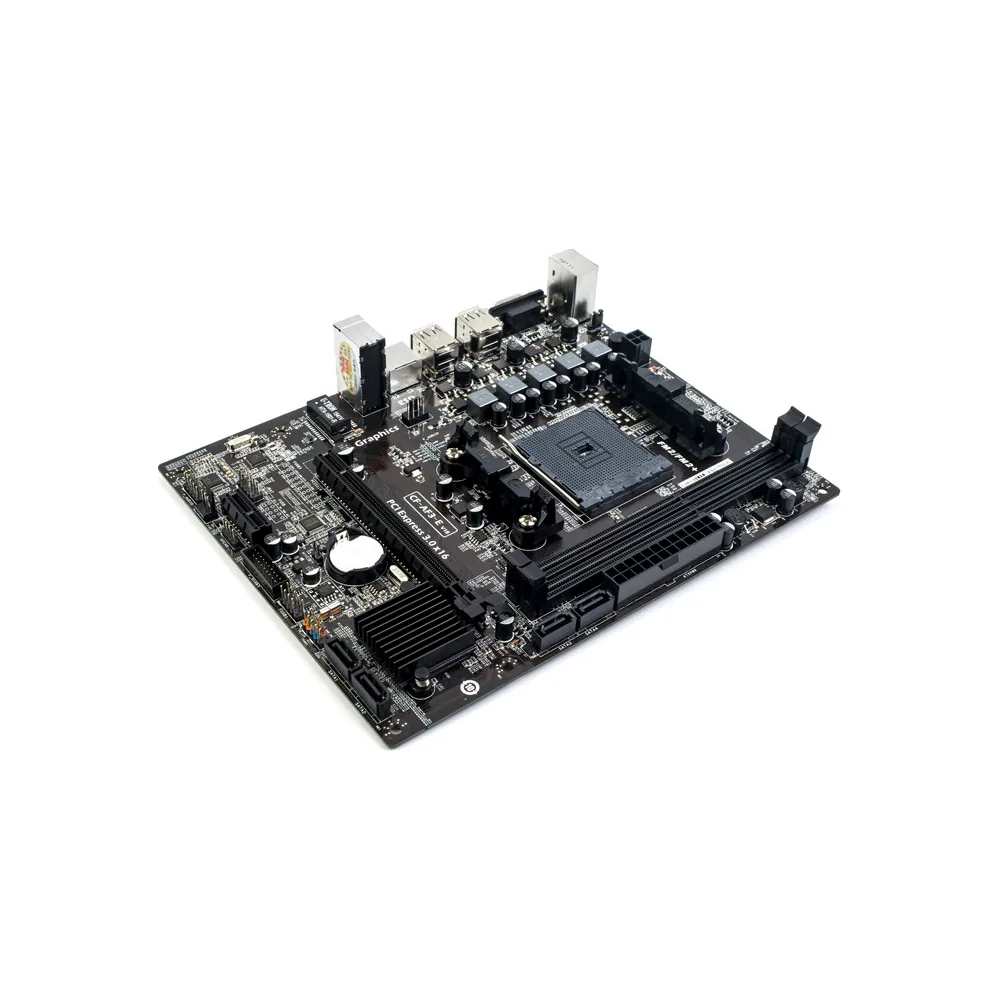
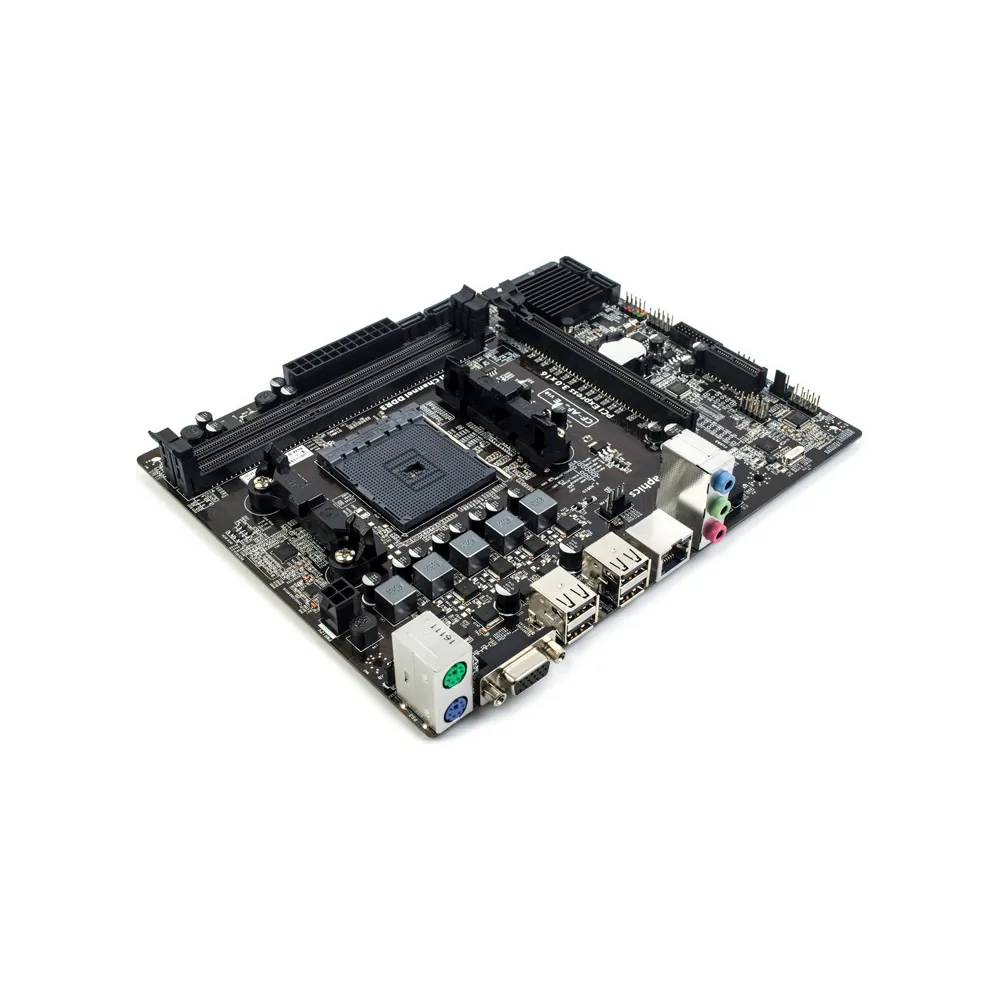
Colorful C.A68HM-E All Solid V18 desktop motherboard with FM2+ socket, AMD A68H chipset, 2 x DDR3 up to 16 GB.
| Processor – CPU Support | Supports FM2/FM2+ processors (TDP:100W) |
|---|---|
| Chipset | AMD FM2+ A68H |
| Memory | 2 memory module slots Supports DDR3 dual channel 1066/1333/1600/1866(OC)/2133(OC) MHz memory |
| Expansion Slots – Graphics Card Slots | 1 x PCIE2.0/3.0 X16 slot (to support PCIE3.0, FM2+ APU is required) |
| Storage | 4 SATA3.0 6Gb/s hard drive ports Supports RAID0, 1, 10 AHCI |
| LAN | RTL8105E 10/100 Mbps |
| Audio | ALC662 6-channel |
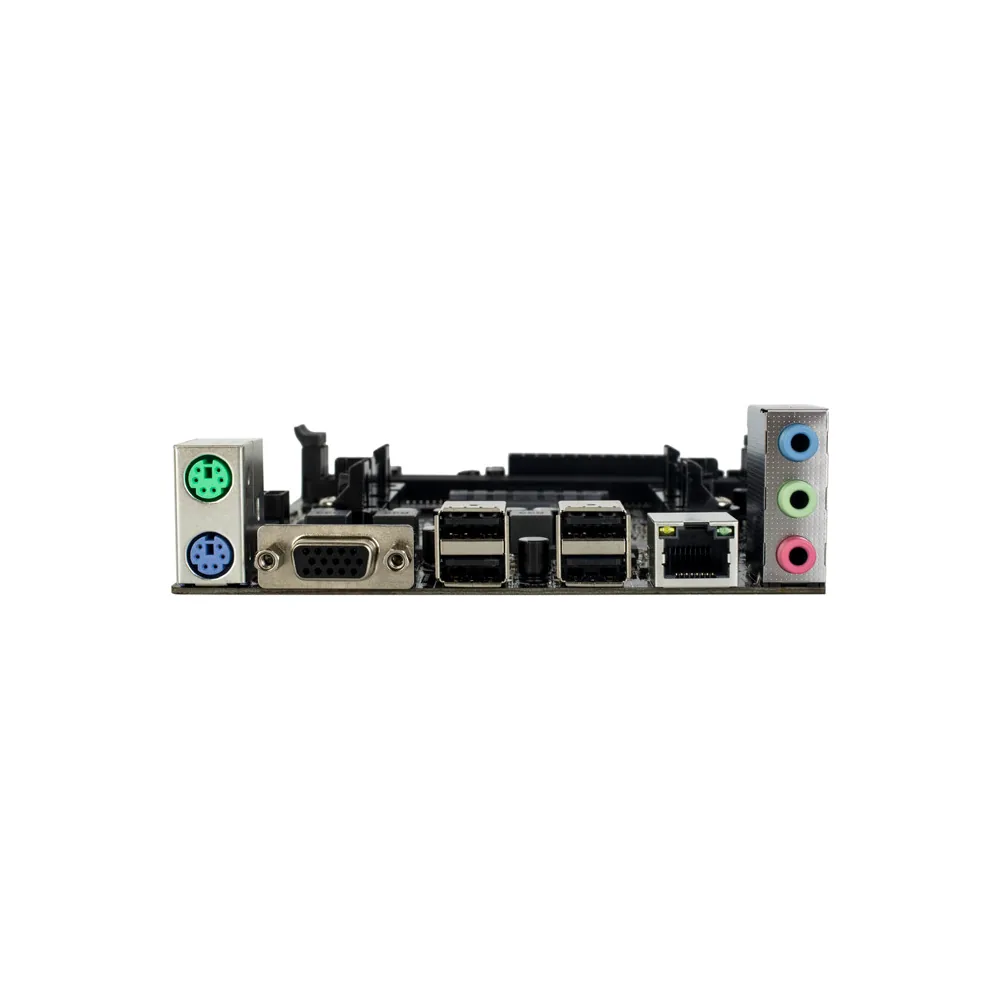
| Rear Panel I/O | 2x PS2 keyboard and mouse ports 1x VGA port 4x USB2.0 ports 1x RJ45 10/100 Mbps LAN port with dual lightning protection 3x audio input/output ports |
| Internal I/O Connectors – Internal Headers | 1x 9-pin USB2.0 connector |
| BIOS | 64M UEFI With Chinese BIOS |
| BIOS & Features – Power Management | Supports S4, S5 wake-up; supports PS2 mouse/keyboard power-on (any key/password), scheduled power-on, power-on on AC recovery; supports network S5 wake-up |
| BIOS & Features – Hardware Monitoring | CPU fan speed controllable SYSTEM fan speed monitoring CPU temperature monitoring, and voltage monitoring for each group |
| BIOS & Features – Other Features | PXE, Smart Motherboard 4.0 |
| Form Factor | 170 x 215mm mATX |
| Desktop Motherboard Specs | |
| CPU Brand | AMD |
| CPU Socket | FM2+ |
| Chipset | A68H |
| Form Factor | Micro-ATX |
| Memory Type | DDR3 |
| Memory Slots | 2 |
| Max Memory | 16 GB |
| M.2 Slots | 0 |
| Wi-Fi | No |
| Brand | colorful |
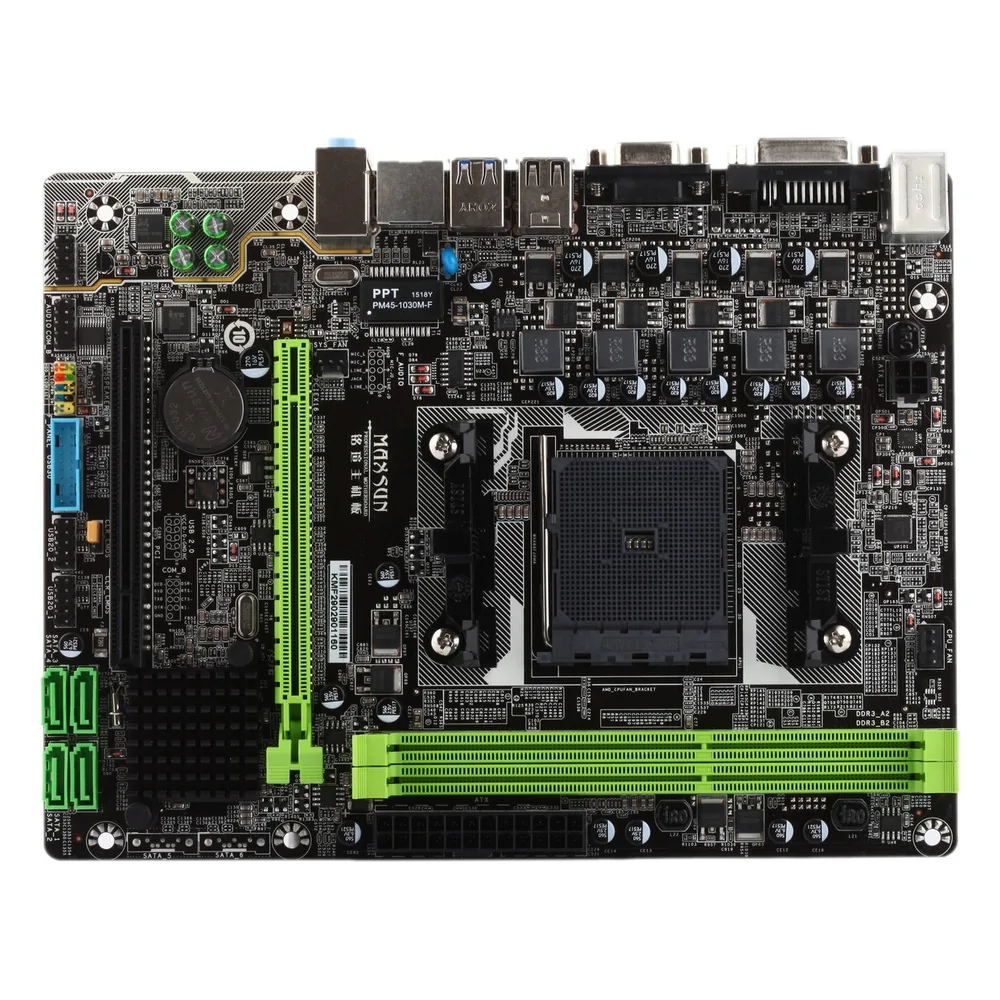 MAXSUN MS-A86FX All Solid Motherboard AMD A68H FM2+ DDR3 Micro-ATX$57.94
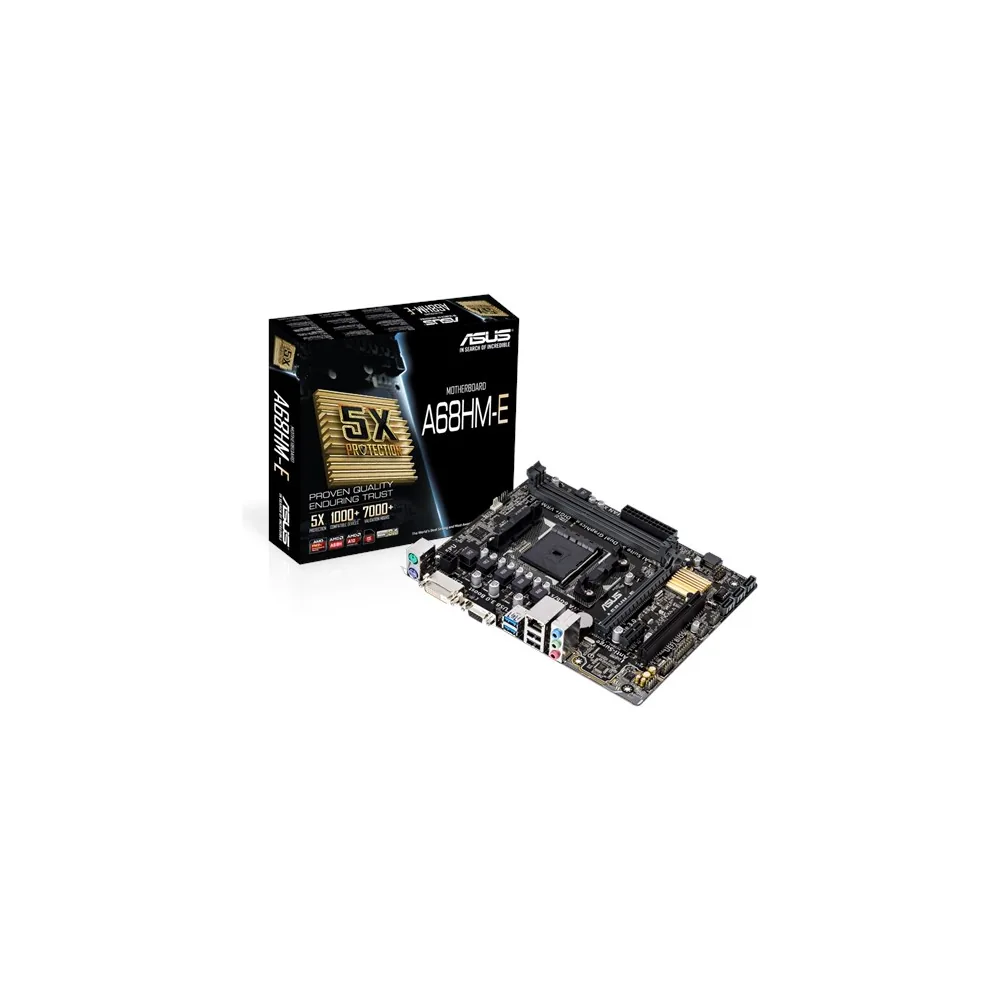 Asus A68HM-E Socket FM2+ FM2 DDR3 Motherboard$58.75
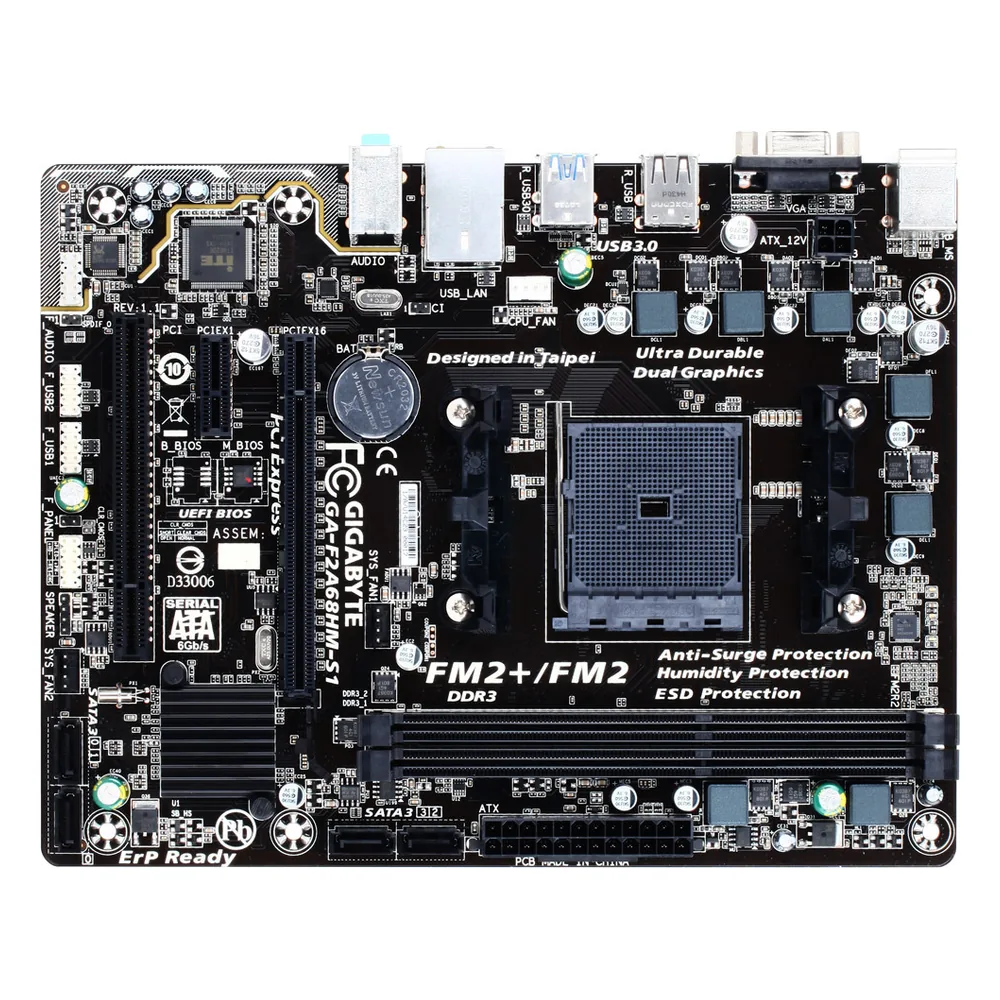 GIGABYTE GA-F2A68HM-S1 Motherboard AMD A68H FM2+ DDR3 Micro-ATX$58.75
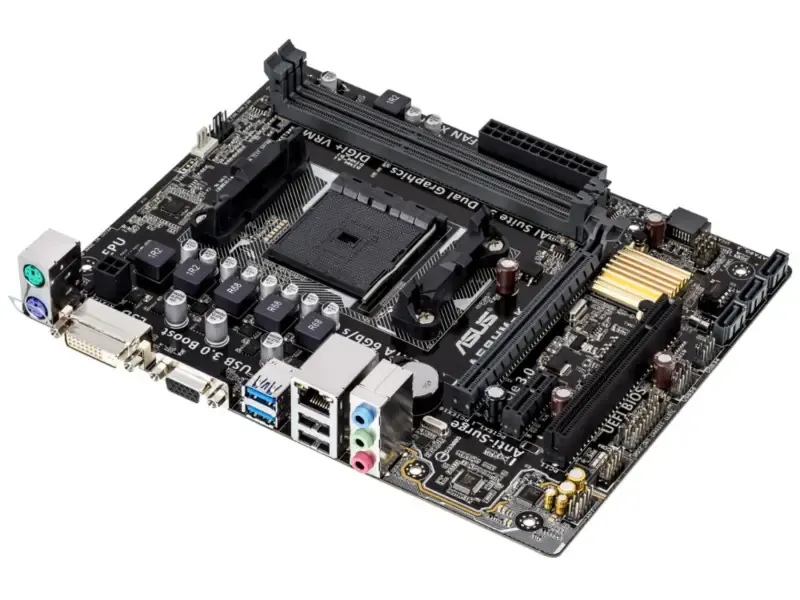 Asus A68HM-K FM2/FM2+ DDR3 Motherboard$59.70
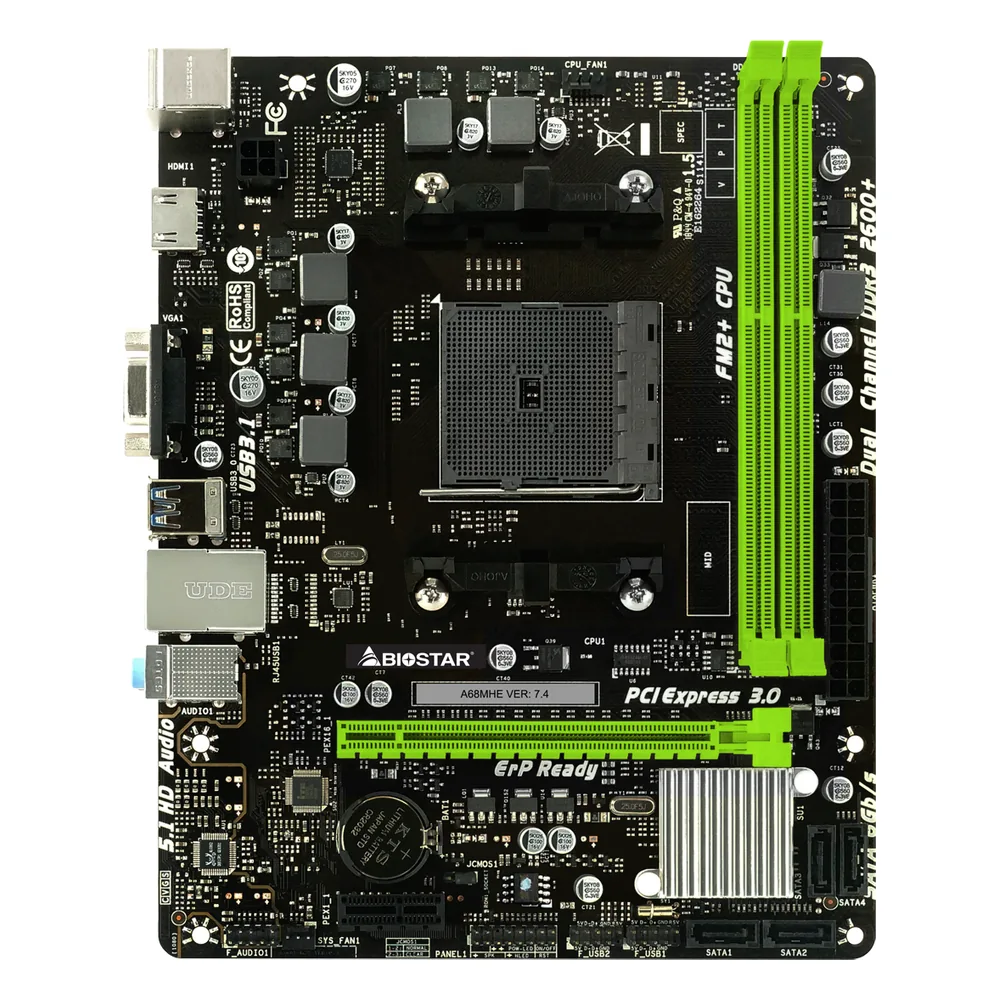 BIOSTAR A68MHE Motherboard AMD A68H FM2+ DDR3 Micro-ATX$53.10
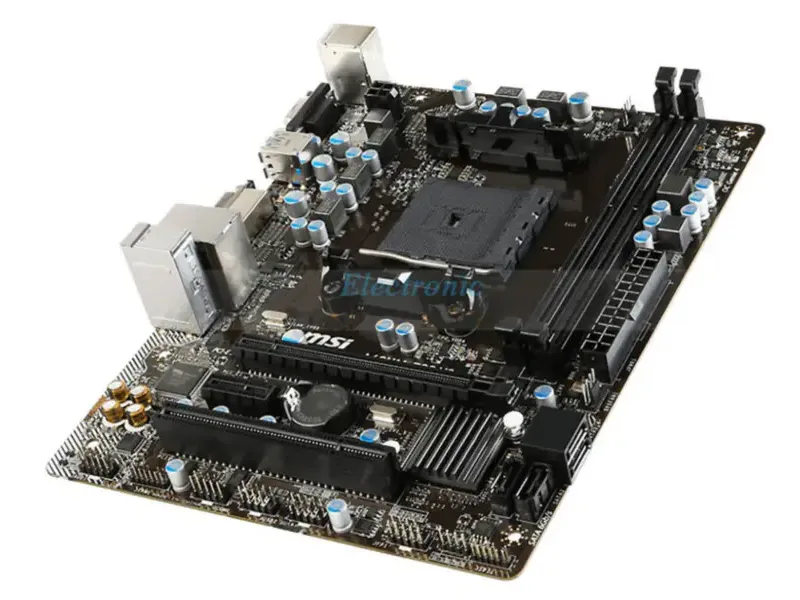 MSI A68HM nano Motherboard$62.52
Same socket, chipset, memory type and form factor. Please check that the BIOS supports your CPU.