{{ variable.name }} : {{ variable.values[selectedVariantsIndex[variable_index]].name }}
Condition:
Quantity:
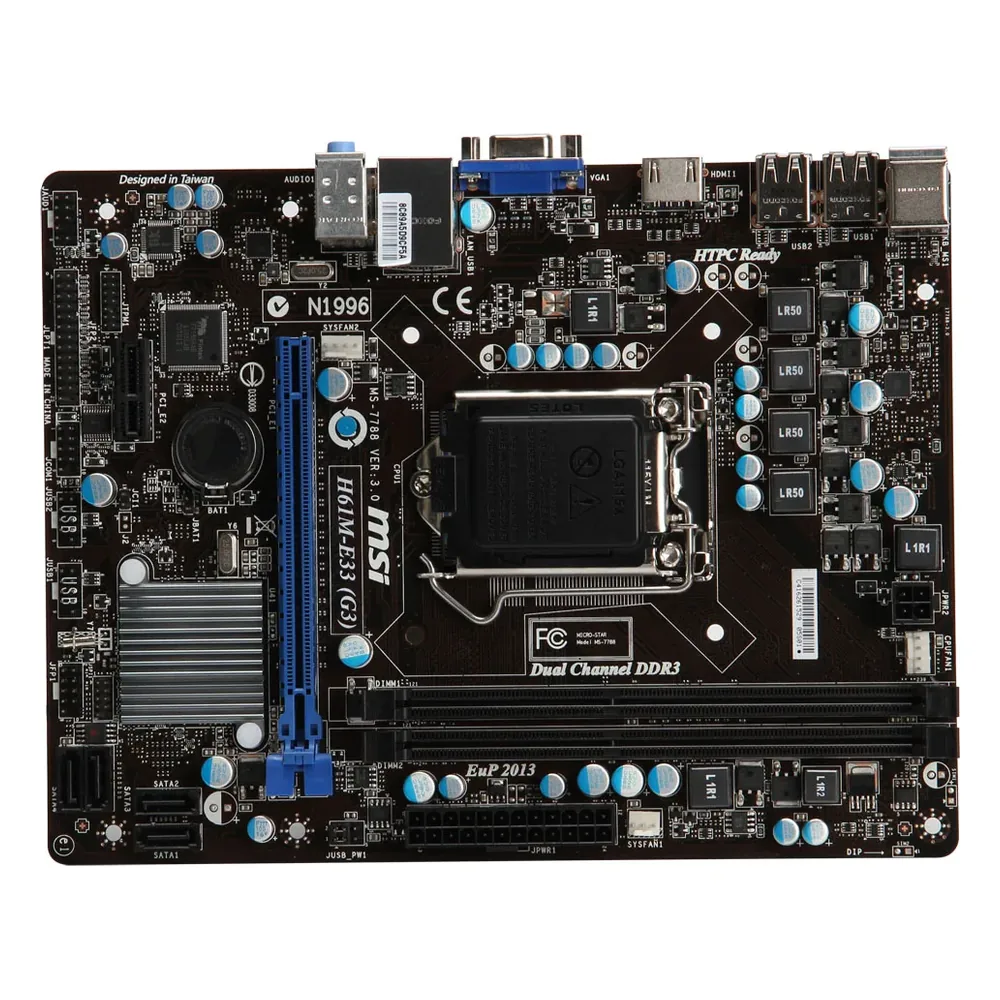
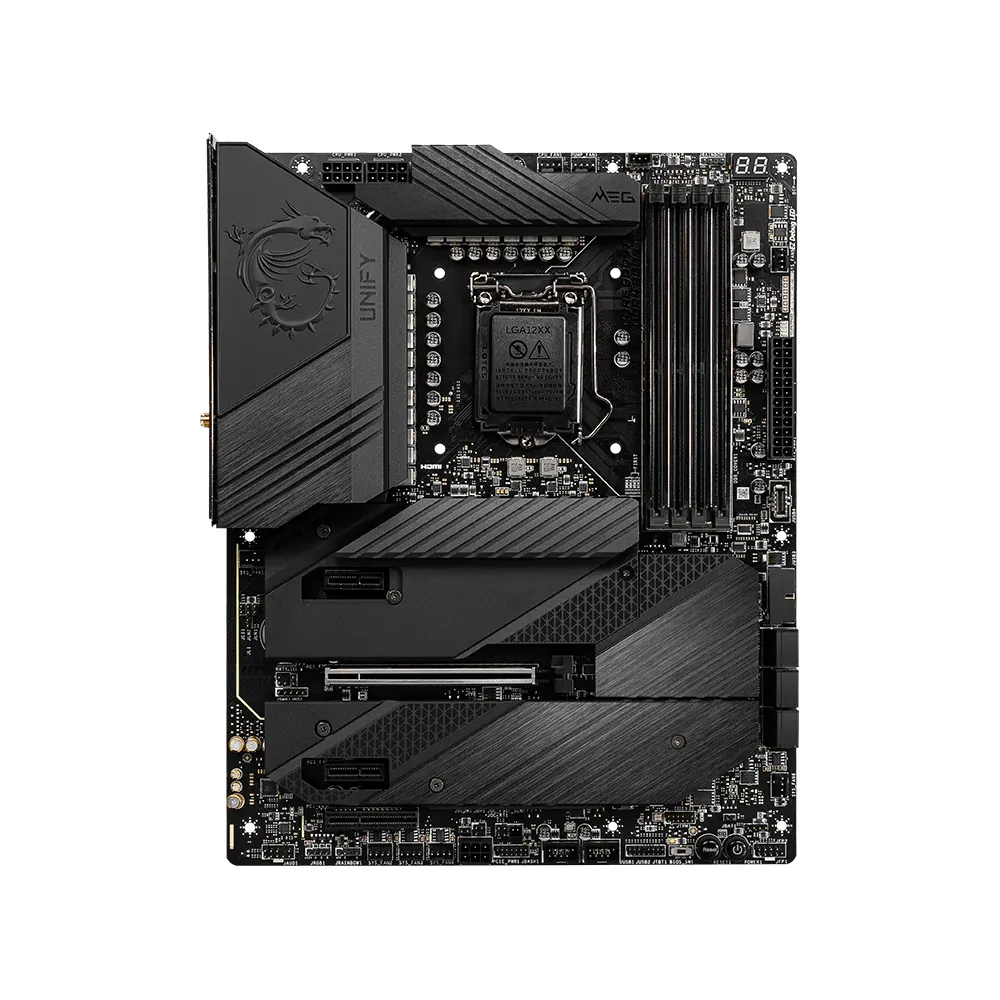
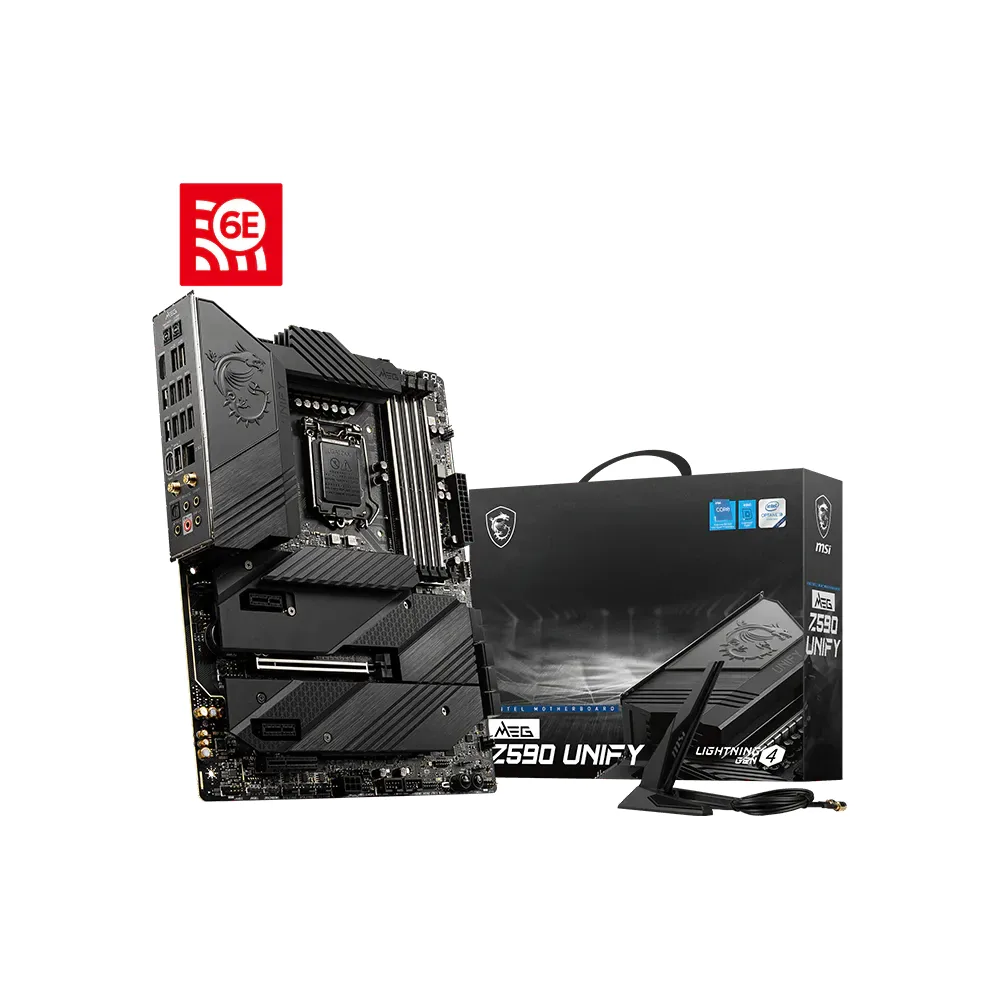
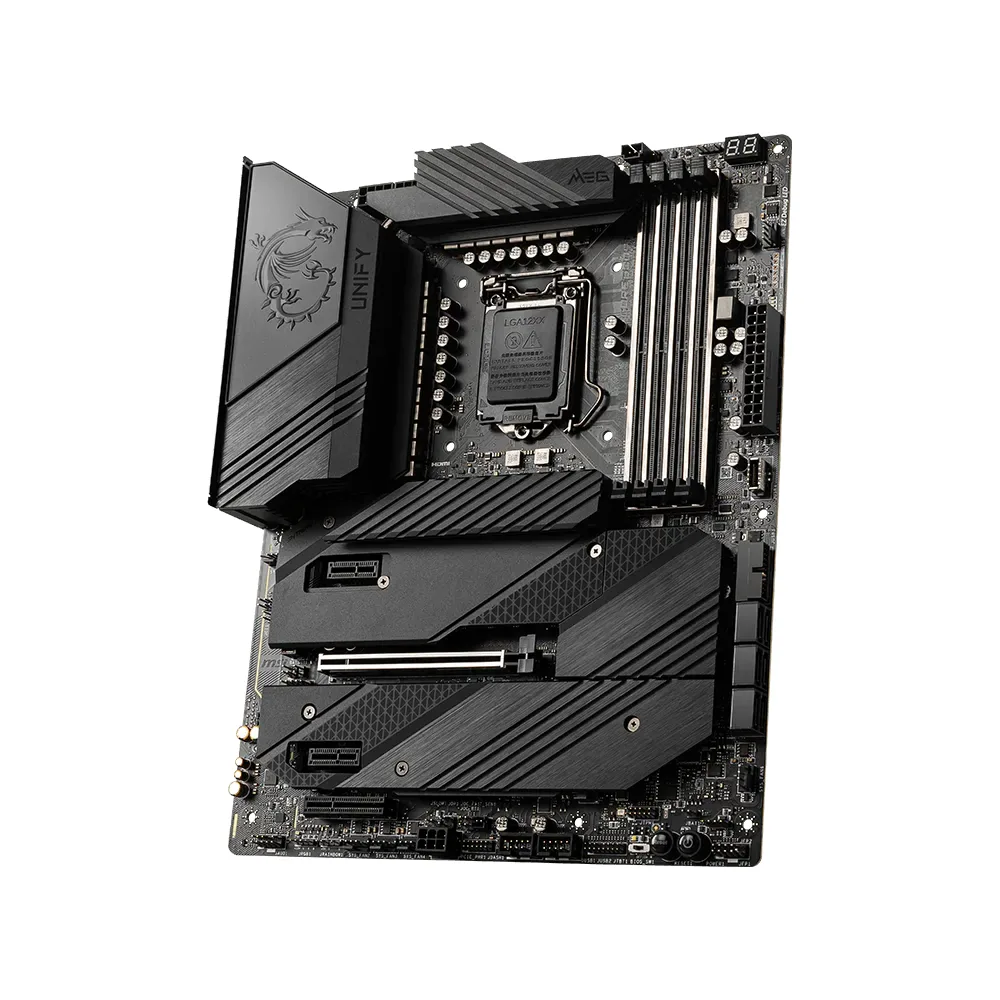
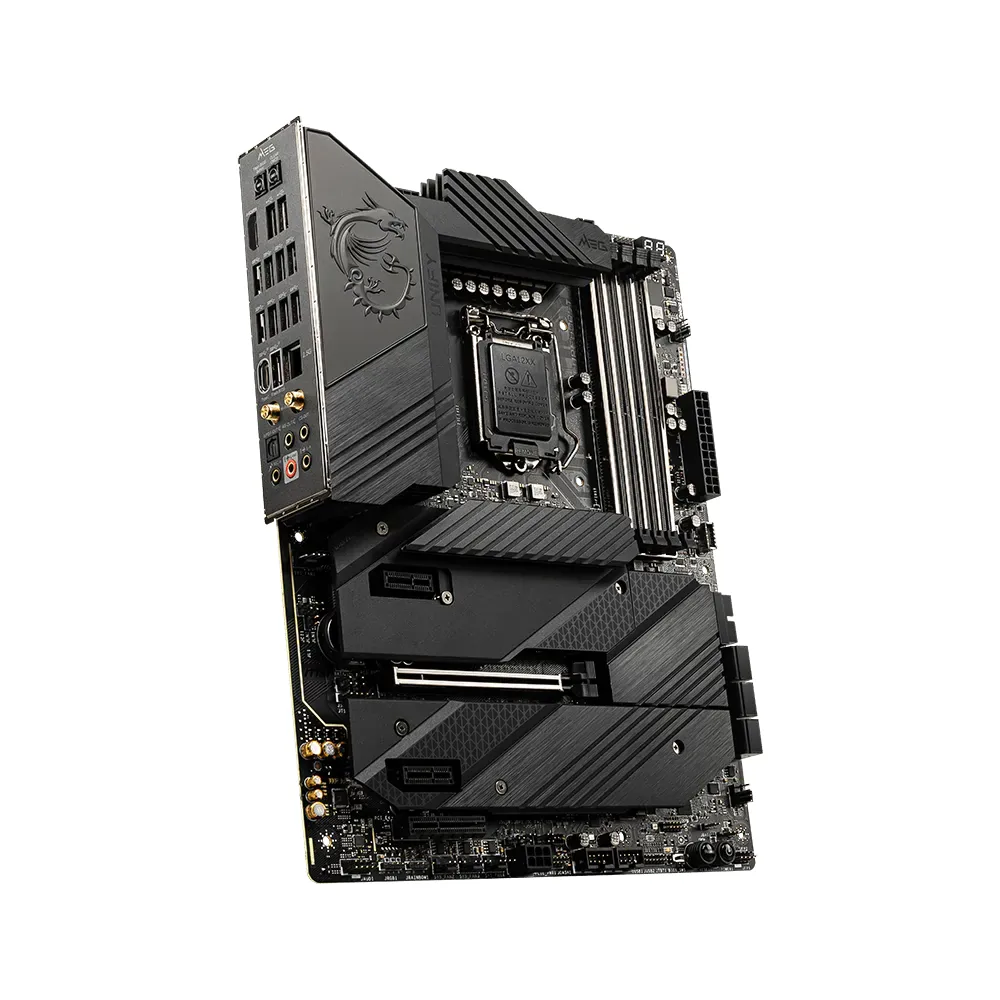
MSI MEG Z590 UNIFY desktop motherboard with LGA1200 socket, Intel Z590 chipset, 4 x DDR4 up to 128 GB, 4 x M.2, Wi-Fi.
| Processor | Supports 10th Gen Intel Core Processors, 11th Gen Intel Core Processors, Pentium Gold and Celeron Processors Processor socket LGA1200 Please go to intel.com for compatibility information. |
|---|---|
| Chipset | Intel Z590 Chipset |
| Memory | 4x DDR4 memory slots, support up to 128GB1 Supports 1R 2133/ 2666/ 2933 MHz for 10th Gen Intel CPU (by JEDEC & POR) Supports 1R 2133/ 2666/ 2933/ 3200 MHz for 11th Gen Intel CPU (by JEDEC & POR) Max overclocking frequency: 1DPC 1R Max speed up to 5600 MHz 1DPC 2R Max speed up to 4800+ MHz 2DPC 1R Max speed up to 4400+ MHz 2DPC 2R Max speed up to 4000+ MHz Supports Dual-Channel mode Supports non-ECC mode, un-buffered memory Supports Intel Extreme Memory Profile (XMP) |
| Onboard Graphics | 1x HDMI 2.0b with HDR port, supports a maximum resolution of 4K 60Hz1 2 Available for the processor with integrated graphics. |
| Expansion Slots | 1x PCIe x16 slot (PCI_E2, from CPU) Supports up to PCIe 4.0 x16 with11th Gen CPU1 Supports up to PCIe 3.0 x16 with10th Gen CPU1 1x PCIe 3.0 x4 slot (PCI_E4, from Z590 chipset) 2x PCIe 3.0 x1 slots (from Z590 chipset) PCI_E2 will only support x8 speed, when M2_2 and M2_3 are from CPU by BIOS selection. PCI_E4 and M2_4 share the same bandwidth, if you want to use both of them simultaneously, the PCI_E4 will only support x1 speed and the M2_4 will only support x2 speed. But if you want to install and enable the graphics card in PCI_E4 slot, the M2_4 slot should be empty. |
| Expansion Slots – Multi-GPU | Supports 2-Way AMD CrossFire Technology |
| Storage | 6x SATA 6Gb/s ports (from Z590 chipset) 4x M.2 slots (Key M) M2_1 (from CPU) Available only on 11th Gen Intel CPU Supports up to PCIe 4.0 x4 Supports 2242/ 2260/ 2280/ 22110 storage devices M2_21, M2_32 slots Support up to PCIe 3.0 x4 and SATA 6Gb/s (from Z590 chipset, default) Support up to PCIe 4.0 x4 (from CPU, by BIOS selection) M2_2 supports 2242/ 2260/ 2280 storage devices M2_3 supports 2242/ 2260/ 2280/ 22110 storage devices M2_4 slot (from Z590 chipset) 3 5 Supports up to PCIe 3.0 x4, 2242/ 2260/ 2280 storage devices Supports Intel Smart Response Technology for Intel Core processors SATA2 will be unavailable when installing M.2 SATA SSD in the M2_2 slot. SATA5 & SATA6 will be unavailable when installing M.2 SATA/PCIe SSD in the M2_2 or M2_3 slot Intel Optane Memory Ready. Before using Intel Optane memory modules, please ensure that you have updated the drivers and BIOS to the latest version from MSI website. PCIe 4.0 specification is available only on 11th Gen Intel CPU. PCI_E4 and M2_4 share the same bandwidth, if you want to use both of them simultaneously, the PCI_E4 will only support x1 speed and the M2_4 will only support x2 speed. But if you want to install and enable the graphics card in PCI_E4 slot, the M2_4 slot should be empty. |
| Storage – RAID | Supports RAID 0, RAID 1, RAID 5 and RAID 10 for SATA storage devices Supports RAID 0 and RAID 1 for M.2 NVMe storage devices |
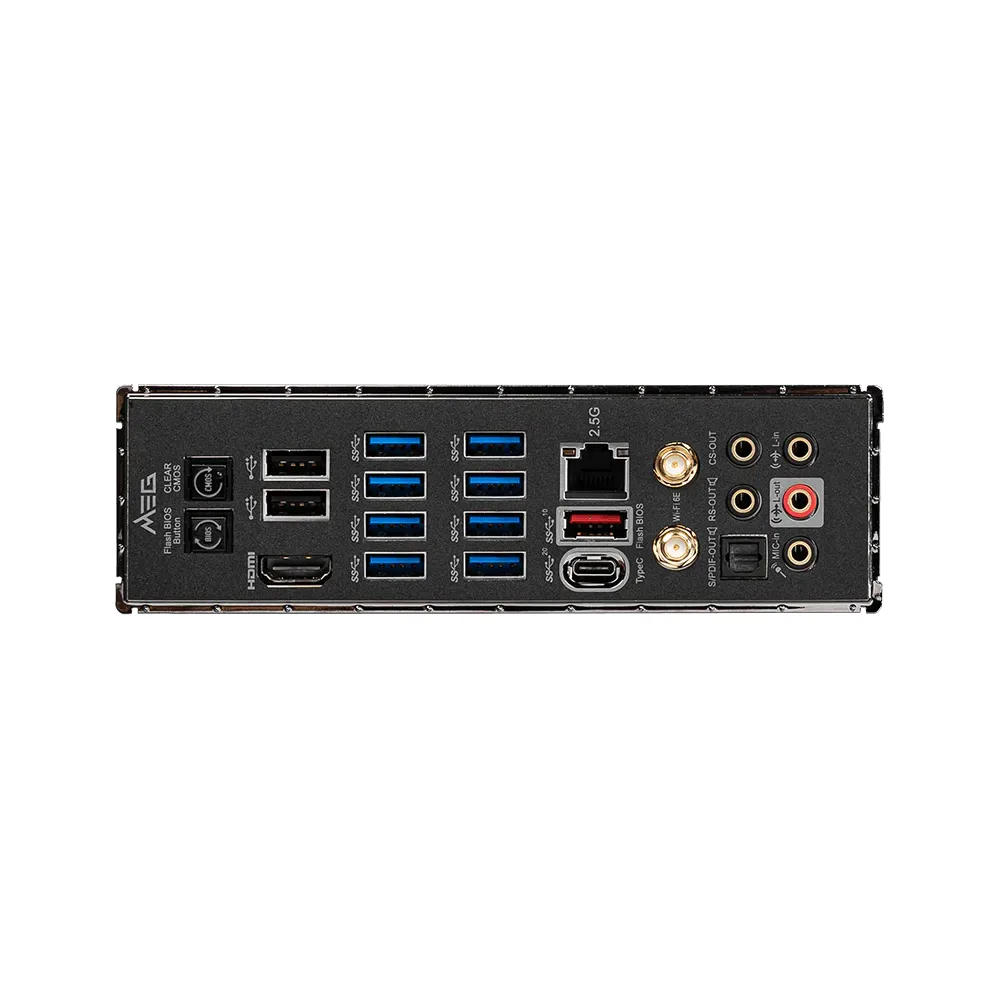
| LAN | 1x Intel I225-V 2.5Gbps LAN controller |
| Wireless & Bluetooth – Wireless LAN & Bluetooth | Intel WiFi 6E AX210 The Wireless module is pre-installed in the M.2 (Key-E) slot Supports MU-MIMO TX/RX, 2.4GHz/ 5GHz/ 6GHz1 (160MHz) up to 2.4Gbps Supports 802.11 a/ b/ g/ n/ ac/ ax Supports Bluetooth 5.22, FIPS, FISMA Wi-Fi 6E 6GHz may depend on every country’s regulations and will be ready in WIN10 21H1. Bluetooth 5.2 will be ready in WIN10 21H1. |
| Audio | Realtek ALC4080 Codec 7.1-Channel High Definition Audio Supports S/PDIF output |
| USB | Intel Z590 Chipset 1x USB 3.2 Gen 2x2 20Gbps Type-C port on the back panel 2x USB 3.2 Gen 2 10Gbps ports (1 Type-A port on the back panel and 1 Type-C internal connector) 10x USB 3.2 Gen 1 5Gbps ports (8 Type-A ports on the back panel, 2 ports are available through internal USB 3.2 Gen 1 connector) 2x USB 2.0 ports on the back panel Hub-GL850G 4x USB 2.0 ports through internal USB 2.0 connector |
| Rear Panel I/O – Back panel ports | Clear CMOS Button USB 2.0 USB 3.2 Gen 1 5Gbps (Type-A) 2.5G LAN Wi-Fi / Bluetooth HD Audio Connectors Flash BIOS Button HDMI USB 3.2 Gen 2 10Gbps (Type-A) USB 3.2 Gen 2x2 20Gbps (Type-C) Optical S/PDIF-Out |
| Internal I/O Connectors – Internal connectors | 1x 24-pin ATX main power connector 2x 8-pin ATX 12V power connectors 1x 6-pin ATX PCIE power connector 6x SATA 6Gb/s connectors 4x M.2 slots (M-Key) 1x USB 3.2 Gen 2 10Gbps Type-C port 1x USB 3.2 Gen 1 5Gbps connector (supports additional 2 USB 3.2 Gen 1 5Gbps ports) 2x USB 2.0 connectors (supports additional 4 USB 2.0 ports) 1x 4-pin CPU fan connector 1x 4-pin water-pump fan connector 6x 4-pin system fan connectors 1x Front panel audio connector 2x System panel connectors 1x Chassis Intrusion connector 1x 2-pin Thermal Sensors connector 1xTPM module connector 1x Tuning Controller connector 1x TBT connector (Supports RTD3) |
| BIOS & Features – LED Features | 1x 2-Digit Debug Code LED 4x EZ Debug LED 1x 4-pin RGB LED connector 2x 3-pin RAINBOW LED connectors 1x 3-pin JCORSAIR LED connector |
| Operating System | Support for Windows 10 64-bit |
| Dimensions | 12 in. x 9.6 in. (30.5 cm x 24.4 cm) ATX Form Factor |
| Form Factor & Dimensions – Mounting | 9 mounting holes |
| Desktop Motherboard Specs | |
| CPU Brand | Intel |
| CPU Socket | LGA1200 |
| Chipset | Z590 |
| Form Factor | ATX |
| Memory Type | DDR4 |
| Memory Slots | 4 |
| Max Memory | 128 GB |
| M.2 Slots | 4 |
| Wi-Fi | Yes |
| Brand | msi |
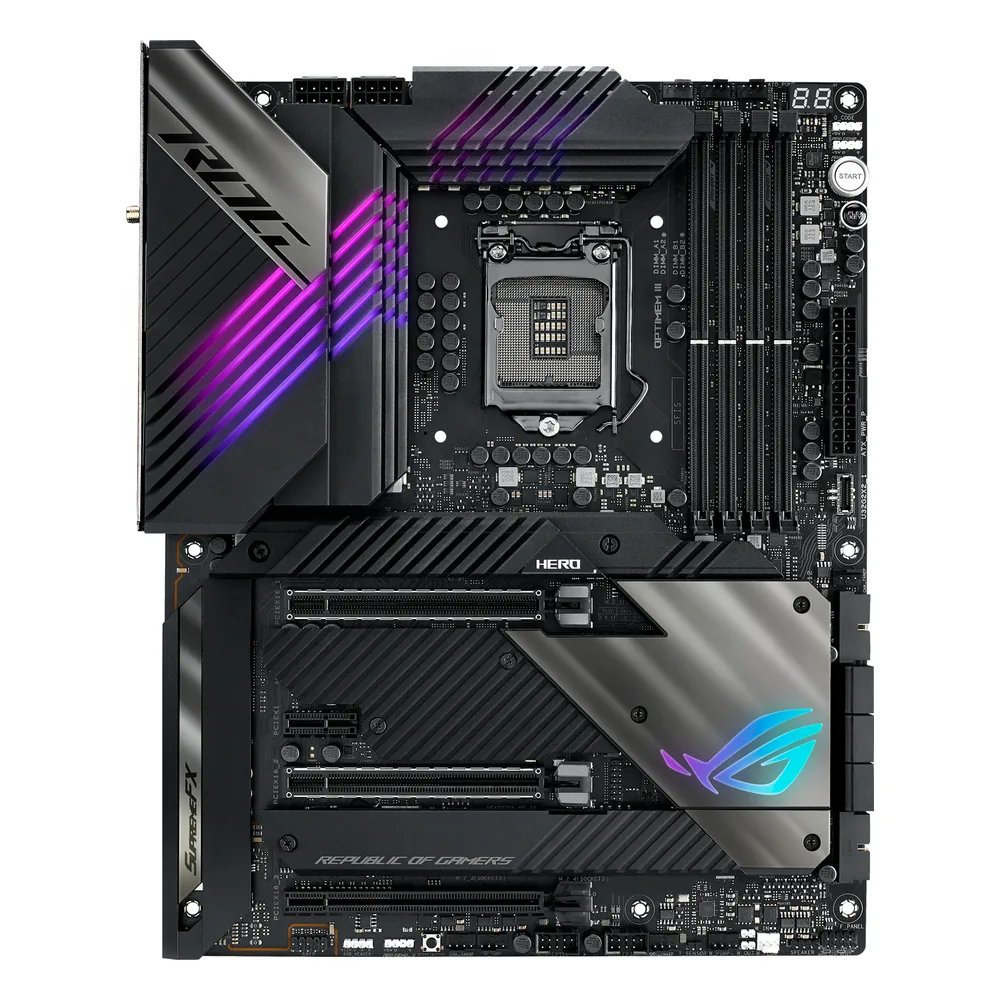 ASUS ROG MAXIMUS XIII HERO Motherboard Intel Z590 LGA1200 DDR4 ATX$326.12
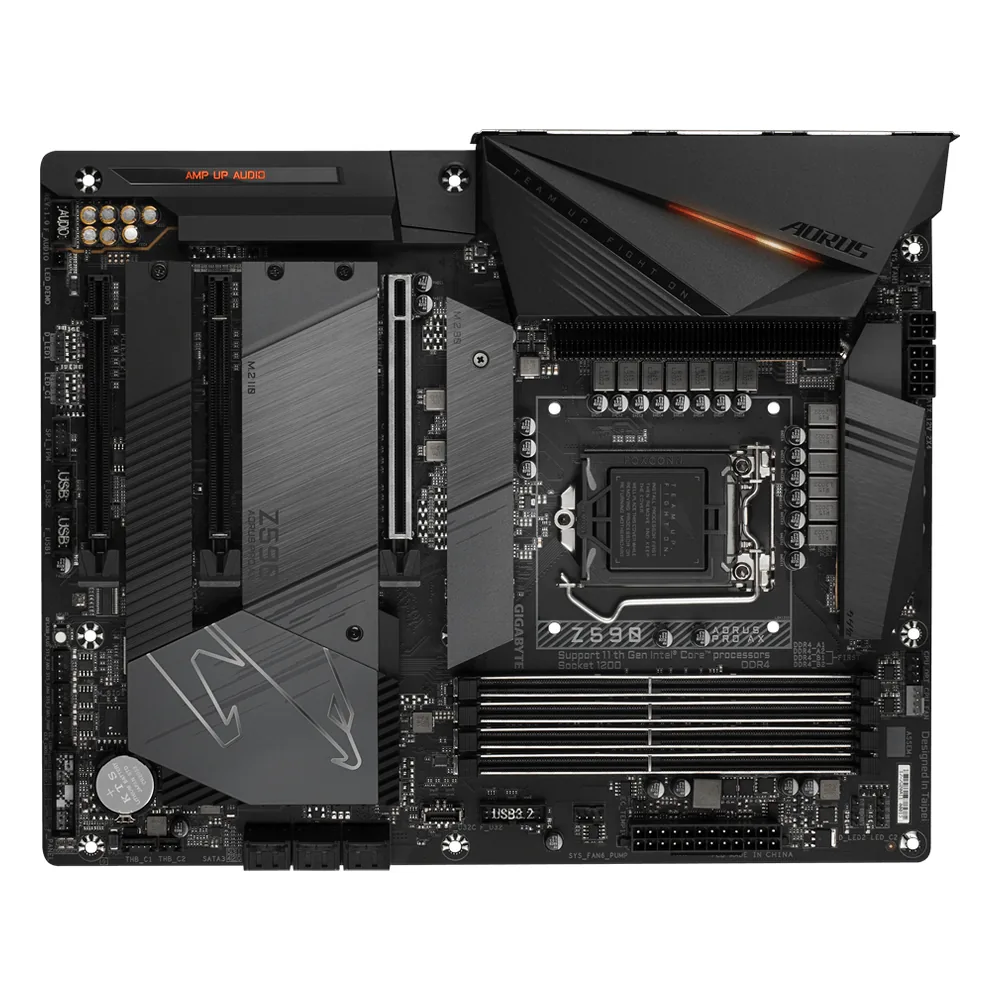 GIGABYTE Z590 AORUS PRO AX Motherboard Intel Z590 LGA1200 DDR4 ATX$207.46
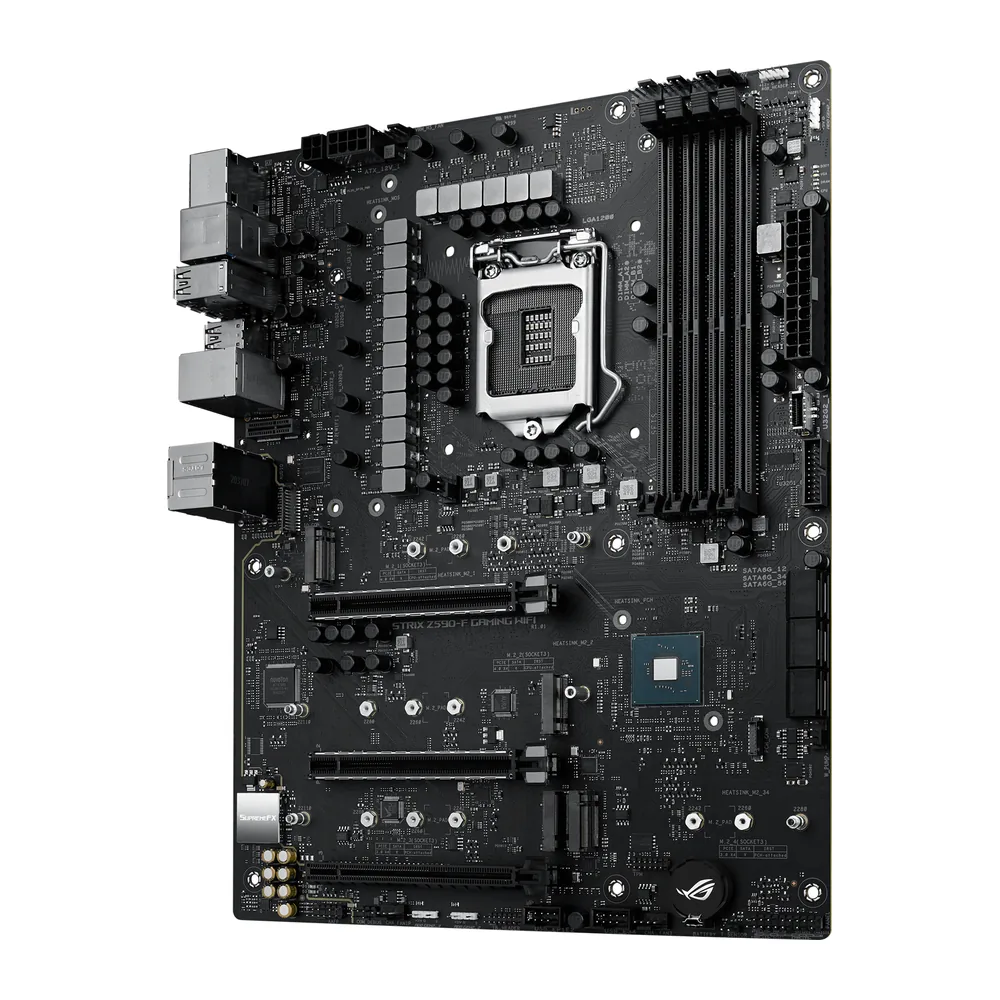 Asus ROG STRIX Z590-F GAMING WIFI Motherboard$148.37
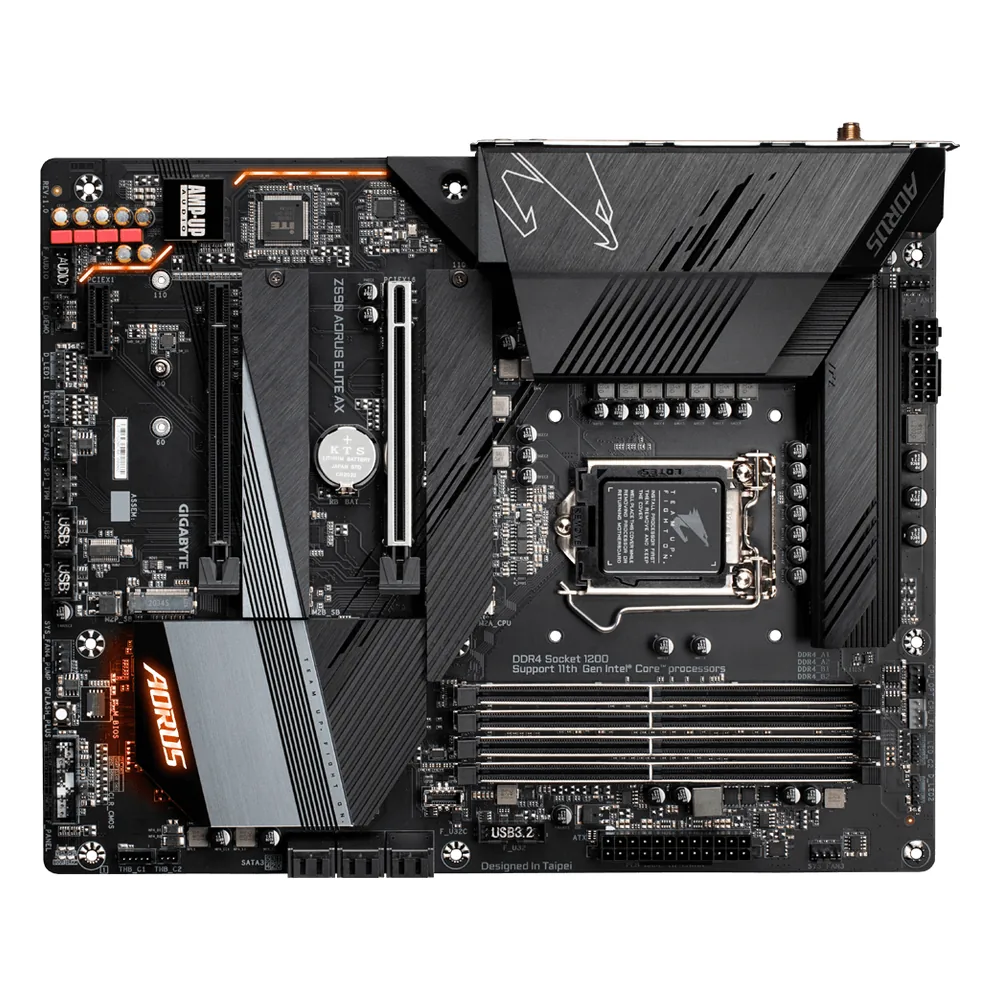 GIGABYTE Z590 AORUS ELITE AX Motherboard Intel Z590 LGA1200 DDR4 ATX$260.97
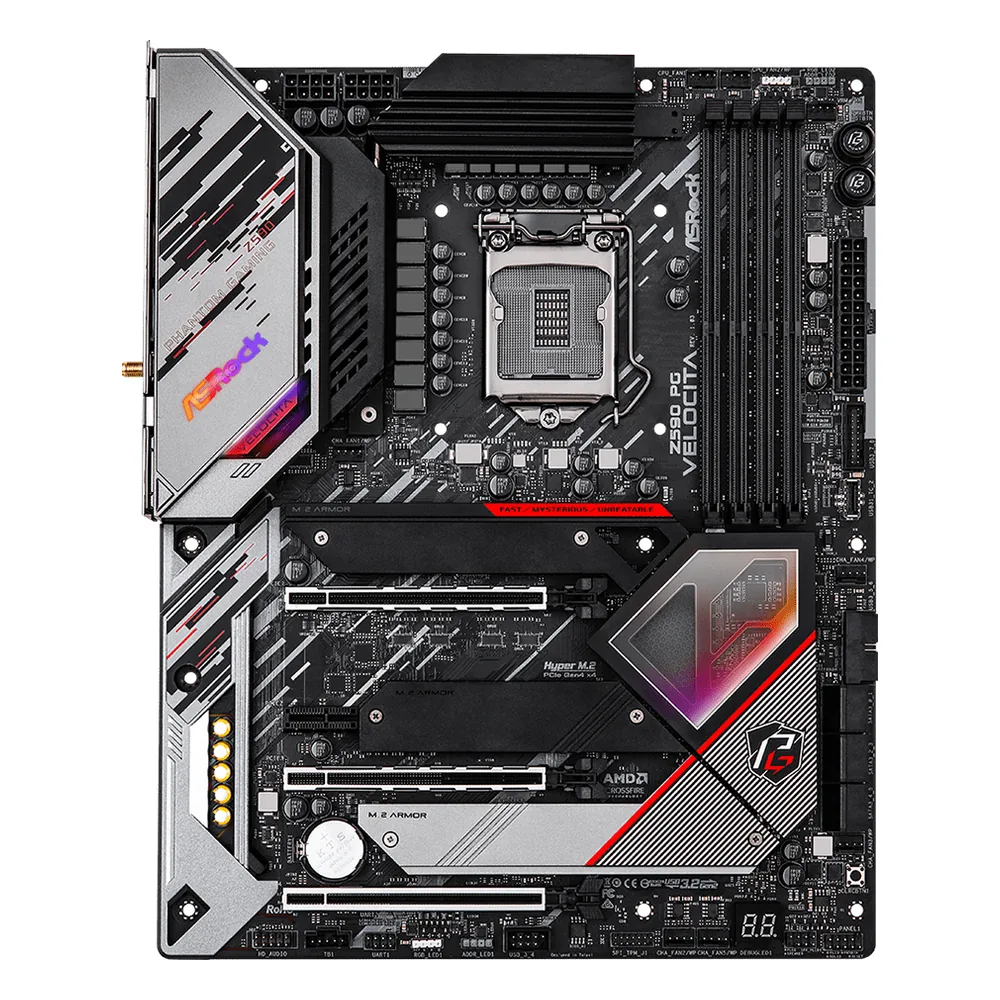 ASRock Z590 PG Velocita Motherboard Intel Z590 LGA1200 DDR4 ATX$211.94
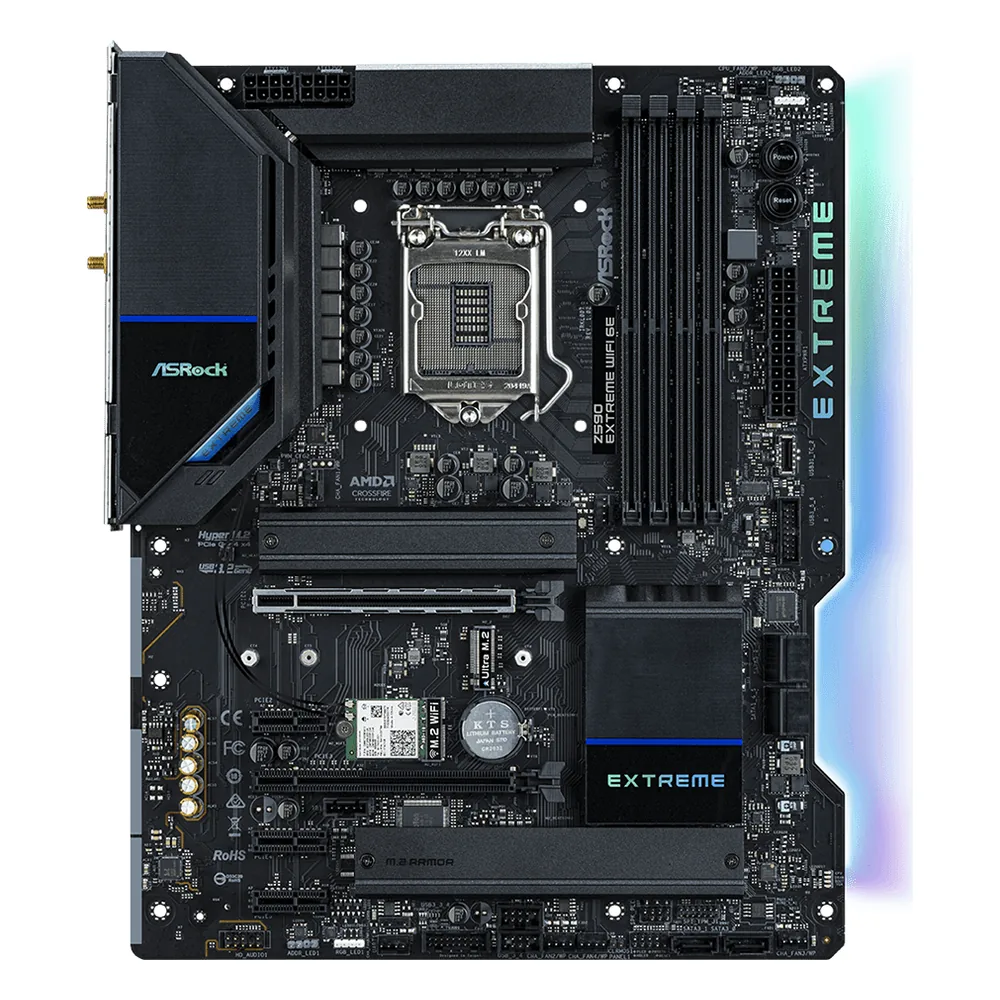 ASRock Z590 Extreme WiFi 6E Motherboard Intel Z590 LGA1200 DDR4 ATX$196.27
Same socket, chipset, memory type and form factor. Please check that the BIOS supports your CPU.