Loading...
Menu
Trending Products
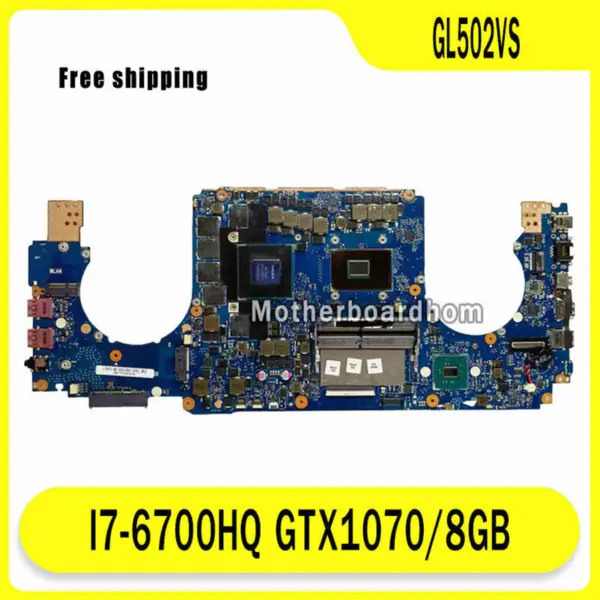
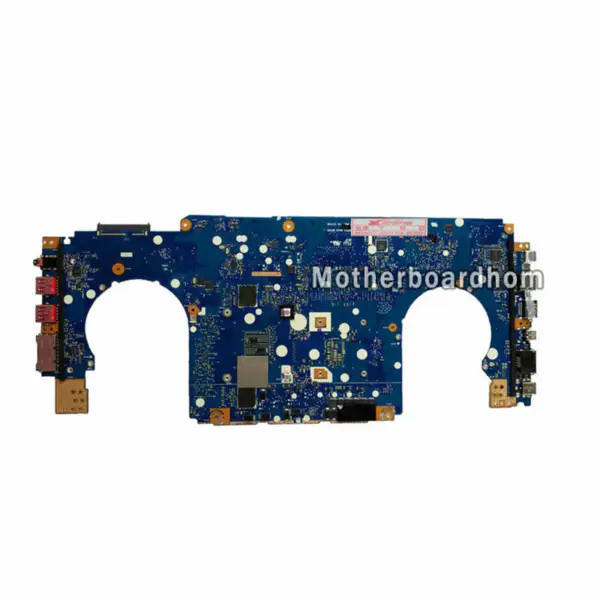
Asus GL502VS GL502VS motherboard Asus GL502VS GL502VS motherboard
Asus GL502VS GL502VS motherboard
$302.00
Ebmpapst 6424 Fan
Ebmpapst 6424 Fan
$31.00
XDR XDR4020 Fan
XDR XDR4020 Fan
$8.00
WYCS WYA1V15C51TBT-1 Fan
$7.00
ebm-papst W2S130-AA03-90 Fan
$15.00

motherboard 486726-001 for HP COMPAQ CQ45

{{ product.price_format }}
{{ product.origin_price_format }}
Stock:
SKU:{{ product.sku }}
Model: {{ product.model }}
weight: {{ product.weight }} Kilogram

{{ variable.name }} : {{ variable.values[selectedVariantsIndex[variable_index]].name }}

{{ value.name }}

Quantity:

Original and 100% tested replacement motherboard 486726-001 fits for HP COMPAQ CQ45 laptop, 60 days moneyback guarantee for motherboard 486726-001 .
view our video tutorial on how to find the HP motherboard part number.

HP Motherboard 486726-001 Specifications:

HP Laptop Model number:HP COMPAQ CQ
HP Motherboard part number: 486726-001
Chipset Manufacturer: INTEL
Graphics Card Type:Integrated
Additional information:
Delivery to worldwide
Conditions:100% tested,95% new and in good condition
Delivery within 1 to 2 days
60 days money back
Warranty: 60 days

HP Motherboard 486726-001 testing steps:

1. Check HP COMPAQ motherboard appearance, including dust,turps, tin soldering or other dirty mark on board.

2. Check HP COMPAQ motherboard to see the electronic insulation gummed paper status.

3. Check HP COMPAQ motherboard to see whether lack of fittings, rot, rust, heat elimination chassis.

4. Check HP motherboard to see memory,DVD driver,internal and external connector of LCD display , Network connection, Voice, Mouse, Keyboard, Dial, USB, SD connector, PC, 3.3V COMS battery, Battery condition, We take long time to run full 3D test and have the computer restarted for 2 times to ensure everything is OK..

Click to learn more about how we do motherboard testing


Request a quote

Description of your requirements:

Nginx server needs to configure pseudo-static rules, click View configuration method